Your Challenge. Our MAP. A Working Solution.

With access to a wide range of technologies, devices and tools, we bring together the right capabilities to create customized solutions that turn your challenges into real-world applications.

01 17 solutions

CCTV Solutions

A clear guide to intelligent surveillance, traffic management and security applications.
By TechnologyVideo Surveillance & Intelligent Security
  • Active Deterrence

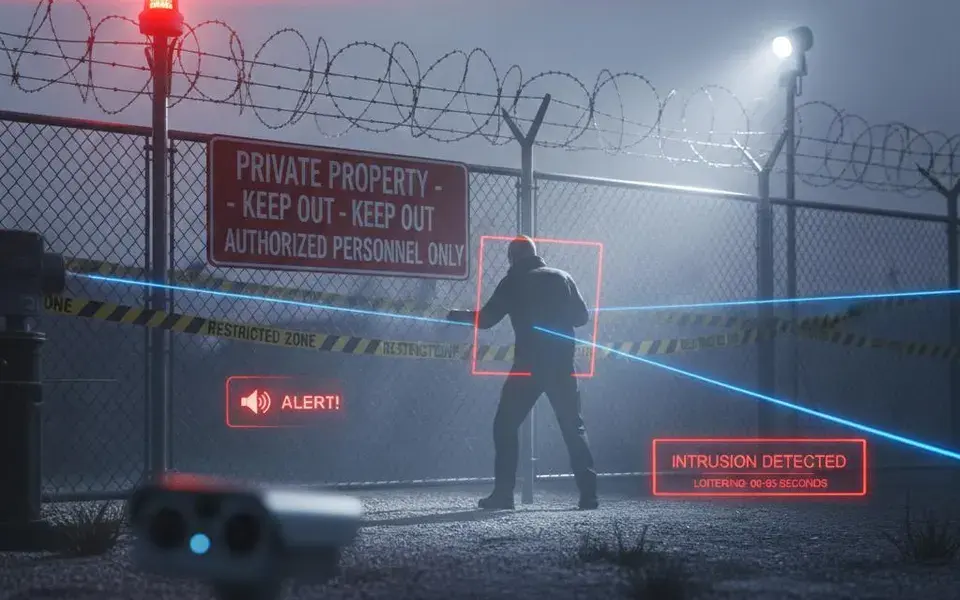
    Proactive Security. Accurate Detection. Instant Response.

  • Panoramic Surveillance

    More Than a Wider View — A Smarter One.

  • PTZ Surveillance

    PTZ to Move Your World!

  • Smart Crowd Management

    Smarter Crowd Monitoring. Safer Spaces. Better Operations.

  • Smart Remote Management

    Remote Management. Faster Support. Lower Costs.

By ApplicationTraffic & Vehicle Management

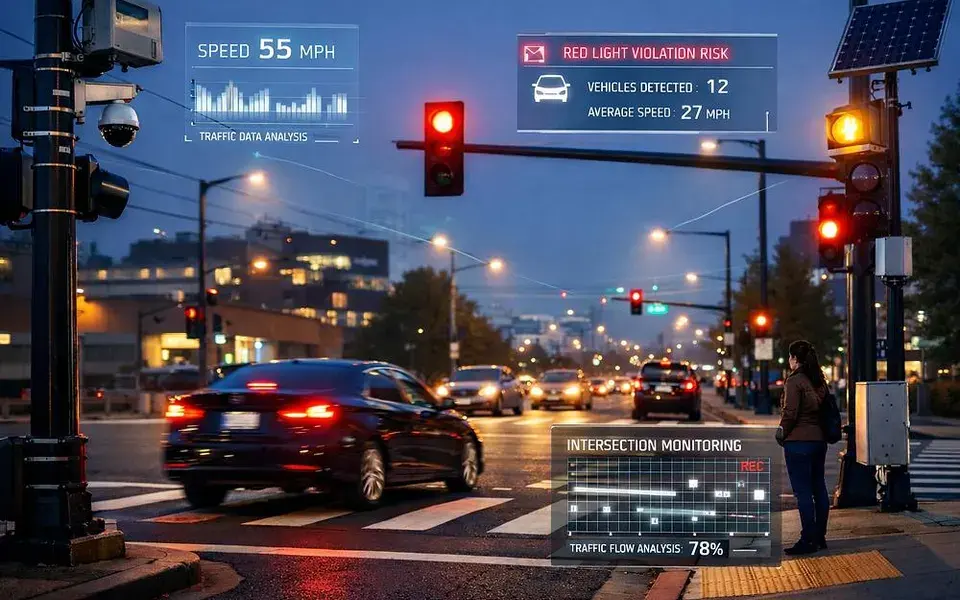
  • Red-Light Enforcement

    AI-Powered Automated Enforcement for Safer Intersections and Smarter Traffic Management

  • Speed Enforcement

    Next-Level Radar-Video Fusion for Smarter Speed Enforcement

  • Smart Parking

    Efficient, Accurate and Visualized Parking Operations

  • Entrance & Exit Management

    Smart Vehicle Access & Parking Management

By IndustryIndustry-Specific Solutions

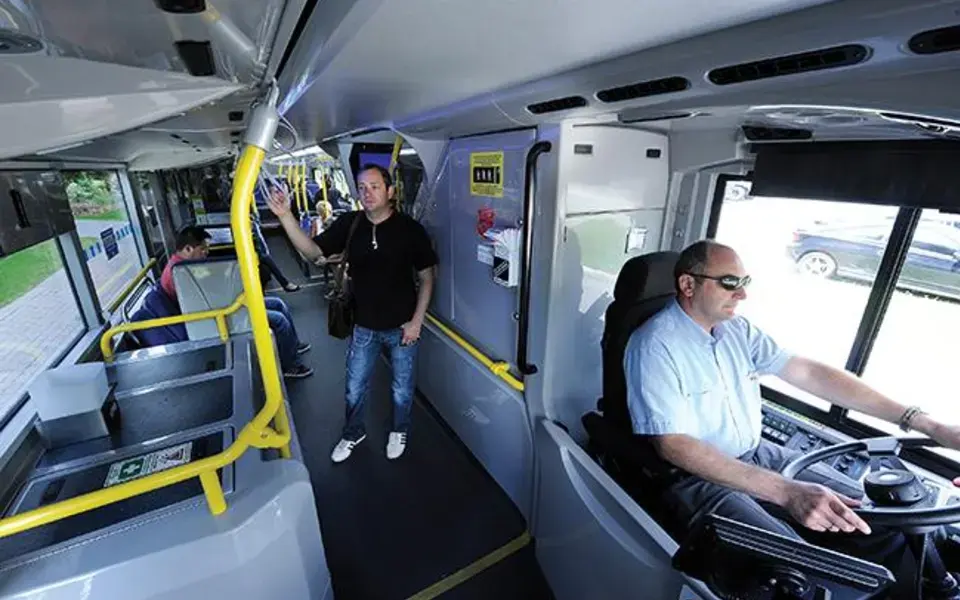
  • On-Board Video Security

    Complete Visibility for Safer Journeys

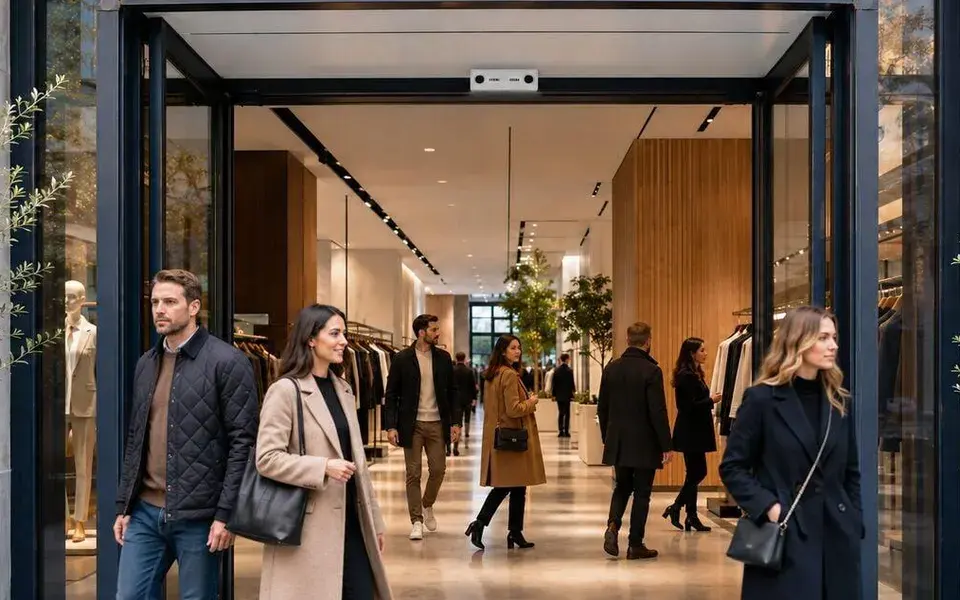
  • Retail Video Surveillance

    Secure Stores. Understand Customers. Optimize Every Operation.

  • Traffic Surveillance

    Smarter Traffic. Safer Roads. Better Mobility.

  • Mobile Surveillance Units

    Deploy Anywhere. Monitor Instantly. Protect Continuously.

  • Construction Site Security

    Secure Every Site. Detect Risks. Respond Instantly.

  • Mining Site Security

    Protect Workers and Assets Across Mining Sites

  • Retail Parking Lot Security

    Deter Crime, Optimize Operations & Evidence Collection

  • Temporary Event Security

    Rapid Deployment & Easy Redeployment

Smart Spaces & Buildings

  • People Counting

    Turn foot traffic into useful operational insights

  • Smart Office

    Create a more comfortable and efficient workplace

  • Smart Restroom

    Improve restroom hygiene, maintenance and user experience

  • Smart Healthcare

    Improve patient safety and healthcare facility operations

  • BMS Integration

    Bring IoT field data into the existing building management system

  • HVAC Management

    Improve climate control, comfort and HVAC efficiency

  • Indoor Air Quality

    Monitor indoor conditions for healthier, more comfortable spaces

  • Space Occupancy

    Understand how rooms, desks and shared spaces are used

Utilities & Infrastructure

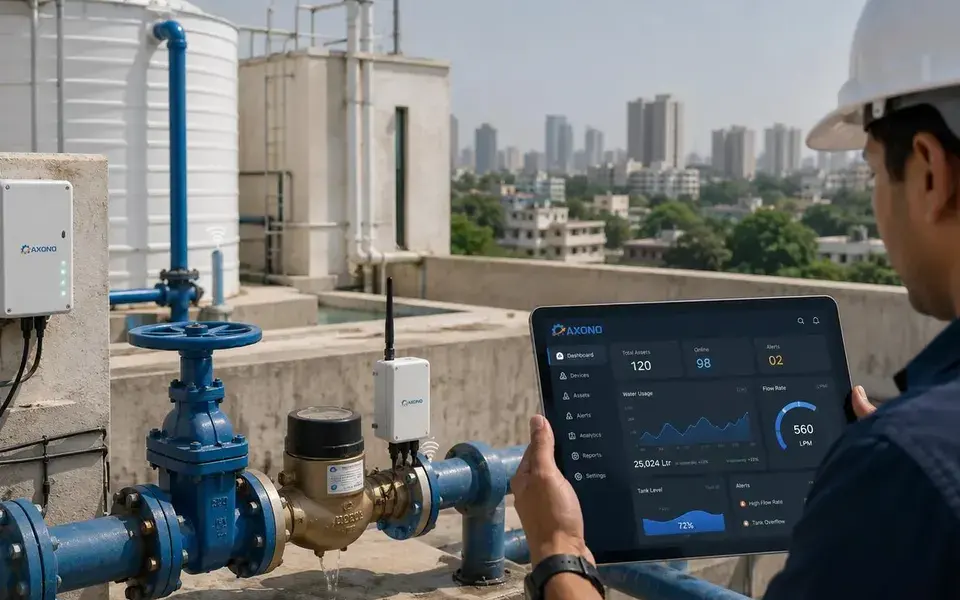
  • Water Management

    Monitor building water systems and detect problems earlier

  • Waste Management

    Monitor waste-bin status and improve collection planning

  • Smart Water

    Connect water monitoring, leak detection and control

  • Power Distribution Networking

    Provide secure industrial connectivity for power distribution systems

  • Smart Industrial Energy

    Monitor industrial energy assets and improve operational visibility

Industry & Operations

  • Cold Chain Temp Monitoring

    Protect temperature-sensitive products throughout storage and transport

Retail Intelligence

  • Conversion Rate

    Connect store footfall data to better retail decisions

  • Store Layout

    Use shopper movement insights to improve store layouts

  • Store Location Performance

    Compare locations using external pedestrian traffic trends

  • Staff Management

    Align staff availability with customer demand

  • Customer Demographic

    Understand shopper groups and in-store demographics

  • Queue Management

    Monitor queue pressure and improve service flow

Solutions by Industry

  • Smart Building

    Connect building systems through people-centric sensing

  • Smart Retail

    Turn shopper movement into actionable retail insights

  • Smart City

    Connect city infrastructure and improve operational visibility

  • Smart Agriculture

    Use field data to improve irrigation and farm management

  • Facility Management

    Bring facility conditions into one operational view

  • Energy Management

    Make building energy use visible and easier to optimize

  • Space Management

    Improve how building spaces are used and managed

03 6 solutions

Telematics & Tracking Solutions

Six connected-vehicle applications covering regulated fleet projects, logistics security, car sharing, passenger transportation, armored transport and remote agricultural fleets.

Fleet & Transportation

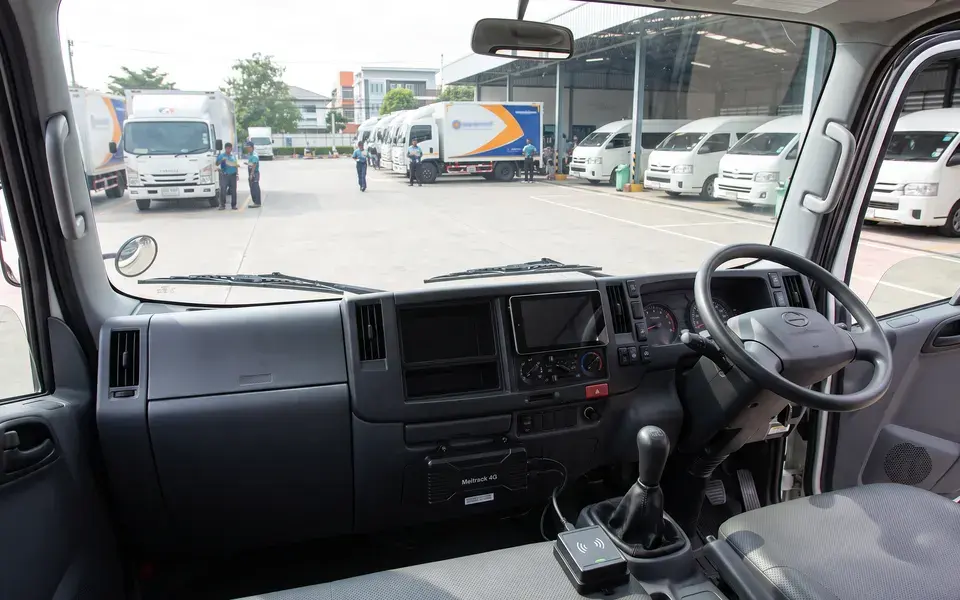
  • DLT Project in Thailand

    Cost-effective 4G telematics for regulated fleet requirements

  • Logistics Vehicle Security

    Secure cargo. Monitor drivers. Track every journey.

Connected Vehicles

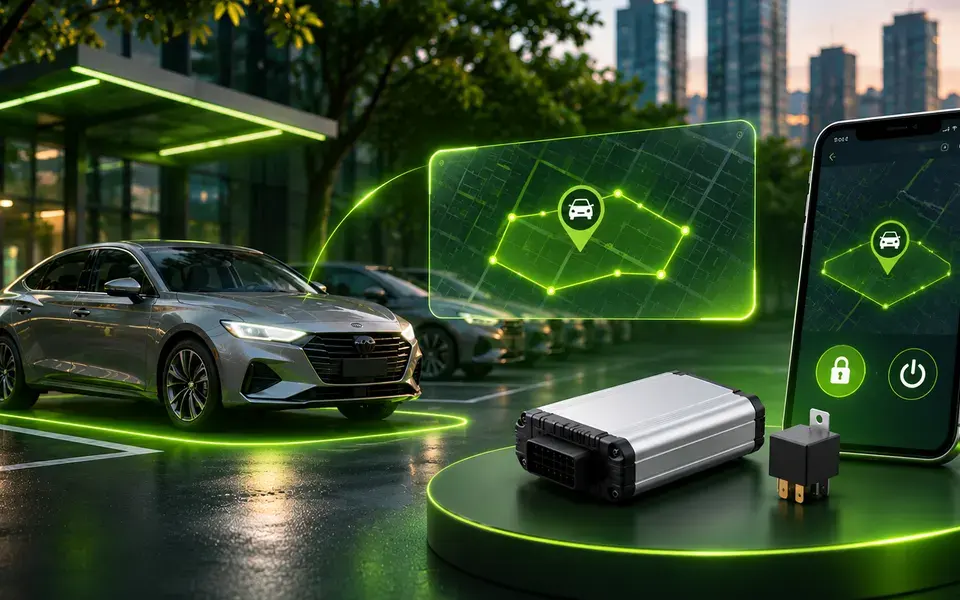
  • Car Sharing and Rental

    Locate vehicles, monitor status and support remote control

Passenger Transportation

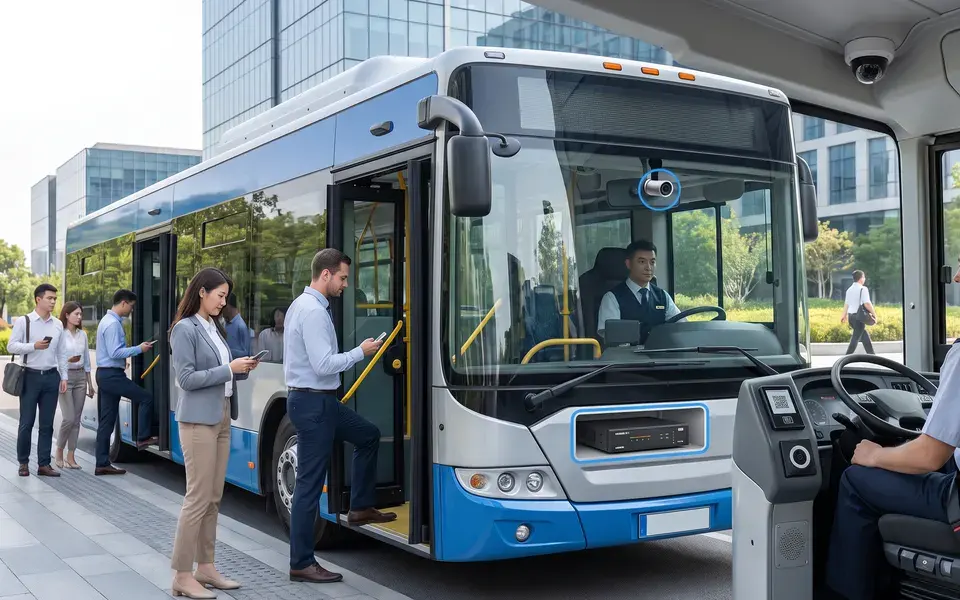
  • Staff Shuttle Bus Security

    Safer employee transportation with connected fleet visibility

Secure Transportation

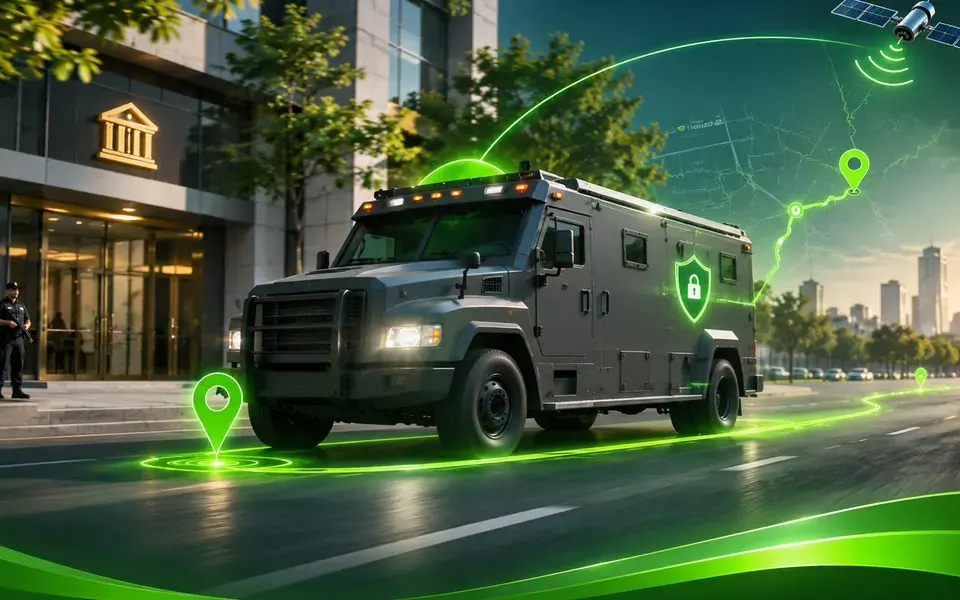
  • Armored Vehicle Mobile Video

    Protect valuable assets and monitor every journey

Remote & Agricultural Fleets

  • LoRa-Based Fleet Tracking

    Track vehicles across remote areas with limited GSM coverage

04 2 solutions

AV Solutions

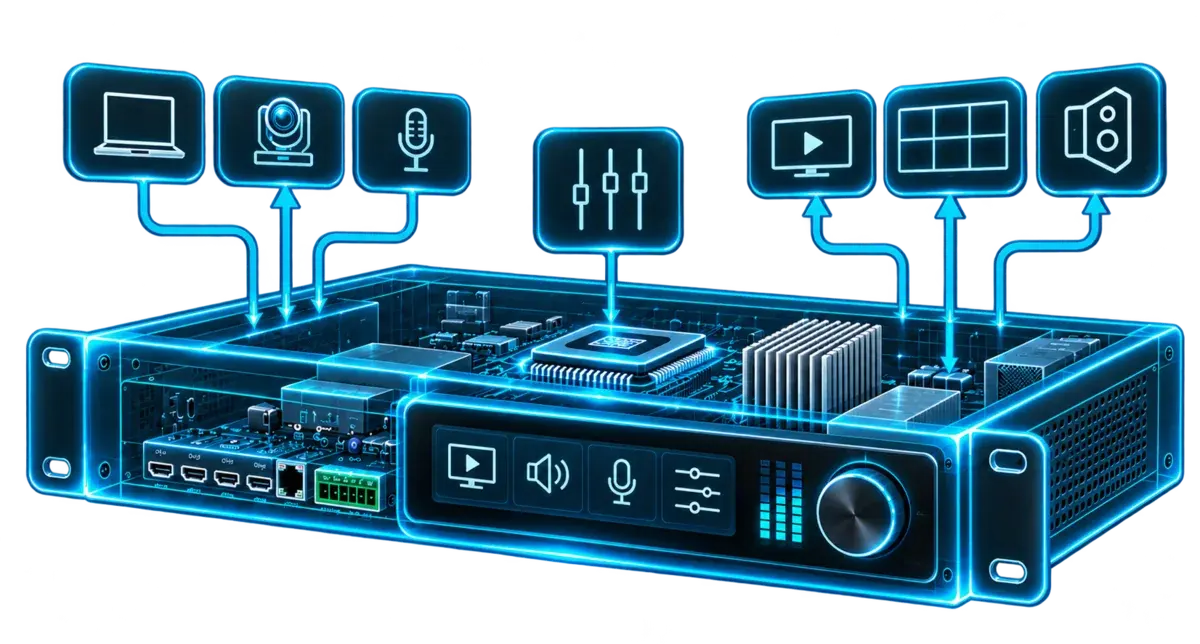
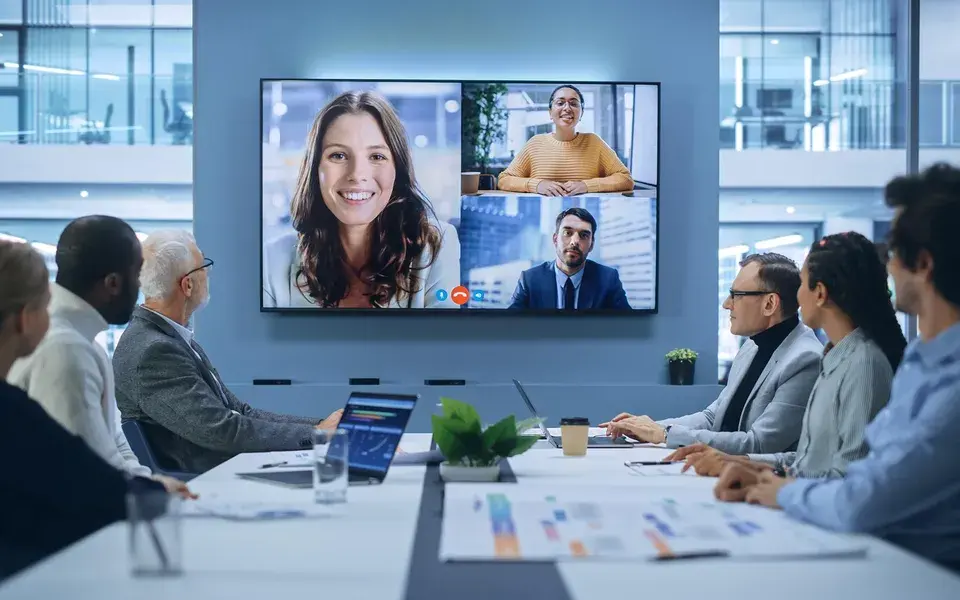
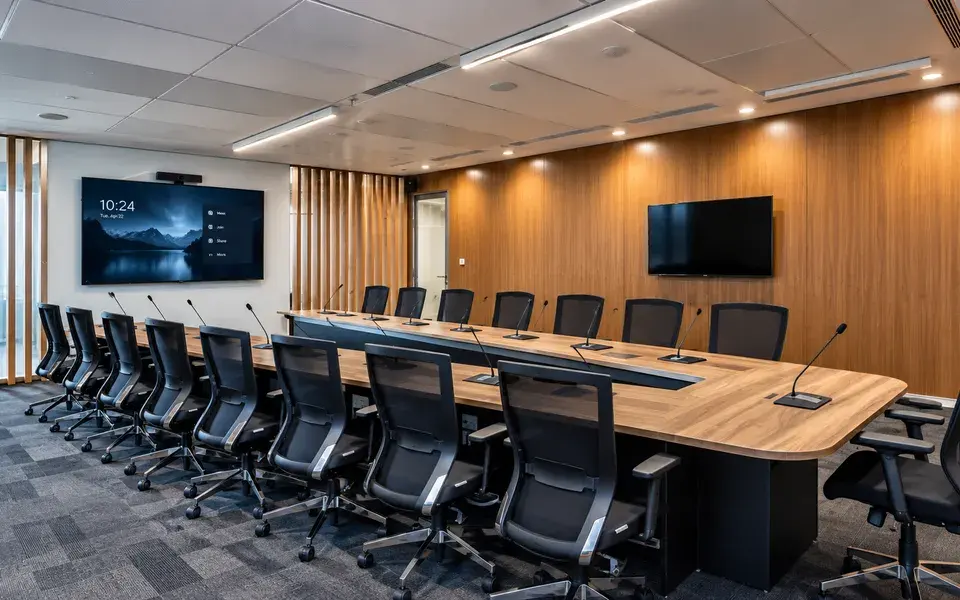
Hybrid meetings, presentation and room control for meeting rooms and boardrooms.

Video Conferencing

  • Hybrid Meeting & Video Conferencing

    Bring in-room and remote participants into one meeting.

Boardroom Solutions

  • Boardroom Presentation & Room Control

    Present, share and control the room from one interface.

05 2 solutions

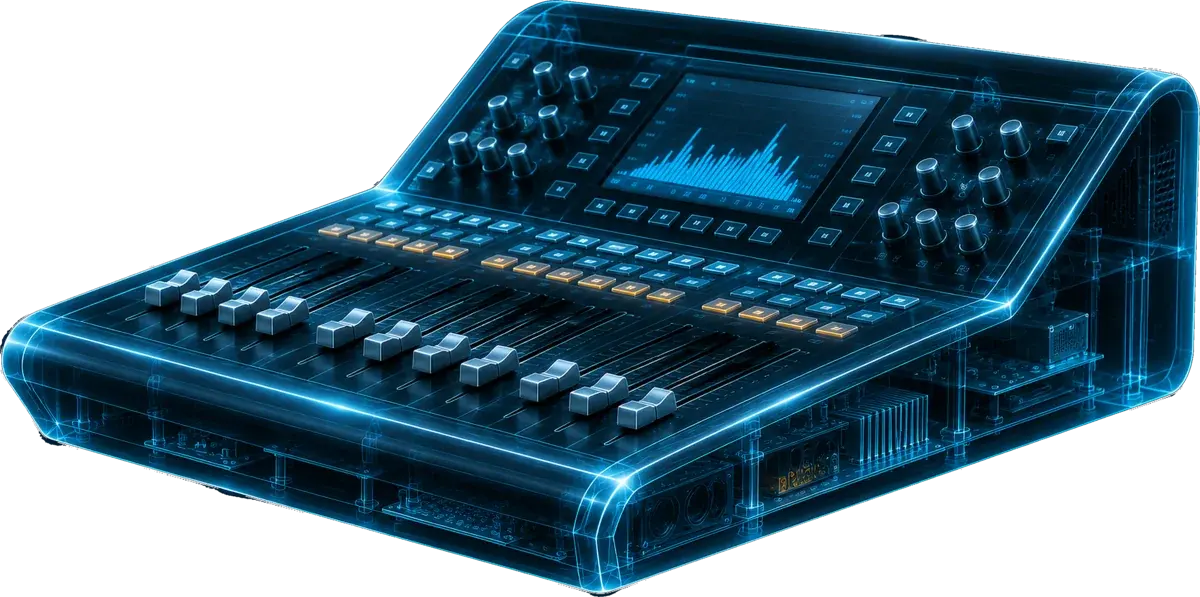
Pro Audio Solutions

Event sound and theatre audio, designed around the venue and its audience.

Ballroom & Event Sound Reinforcement

  • Ballroom & Event Sound Reinforcement

    Powerful sound. Consistent coverage. Event-ready performance.

Theatre & Auditorium Sound

  • Theatre & Auditorium Sound

    Clear speech. Controlled coverage. Consistent listening.

06 1 solution

PA Solutions

Zoned announcements and background music across a facility.

Facility Audio & Announcements

  • Public Address & Background Music

    Clear announcements. Zoned audio. Connected facilities.

Not sure which of these your problem is?

Describe the site. We will tell you whether it needs sensing, vision, or neither.

Talk to an engineer

Video Surveillance & Intelligent Security

Active Deterrence

Proactive Security. Accurate Detection. Instant Response.
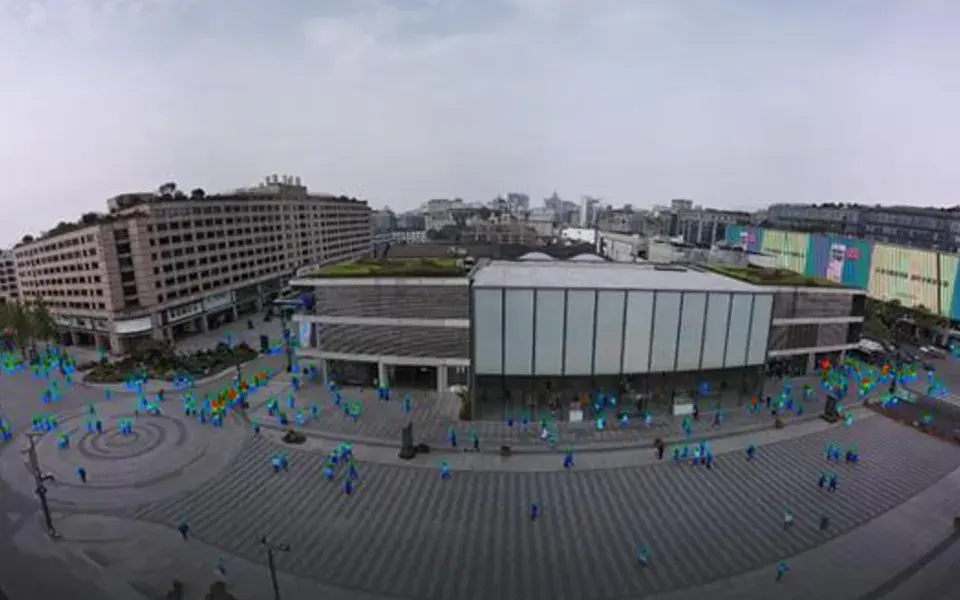
The solution

Proactive security is achieved through AI-powered detection, real-time verification and active deterrence using visual and audio warnings.

Key capabilities

Detection & verification

  • Accurate AI detection
  • AI human and vehicle classification

Imaging

  • Full-color day and night imaging

Deterrence & response

  • Visual and audio deterrence
  • Remote and local alarm activation
  • Real-time alerts and response

Investigation

  • Event-based recording
  • Fast evidence search and investigation

How it works

  1. DETECT ACTIVITY

    The camera detects a person or vehicle entering a configured area or triggering a supported event.

  2. ISSUE A WARNING

    The camera activates its built-in strobe/light or audio warning. Supported external alarm devices can be triggered where connected.

  3. RECORD THE INCIDENT

    The event and video are sent to the monitoring system so an operator can verify what happened and respond.

Equipment requirements

CORE DEVICES
Milesight Q Series active-deterrence camera or suitable TrueColor panoramic camera
SITE INFRASTRUCTURE
Mounting, compatible power and network connection
AS NEEDED
  • PoE/network switch
  • External speaker/alarm
  • NVR/VMS
  • UPS

Integration

YES — keep your existing VMS for video.

Add the camera through ONVIF/RTSP. Supported alarm and AI events can be passed through the camera’s available event interface; Milesight VMS can provide a separate event view where needed.

Where it can be used

  • Construction Sites
  • Outdoor Parking
  • Remote & Off-Grid Sites
  • Industrial Areas
  • Critical Assets

Intelligent, proactive surveillance detects threats and supports a response before incidents escalate.

Learn more at Milesight (opens the manufacturer's page in a new tab)

Video Surveillance & Intelligent Security

Panoramic Surveillance

More Than a Wider View — A Smarter One.
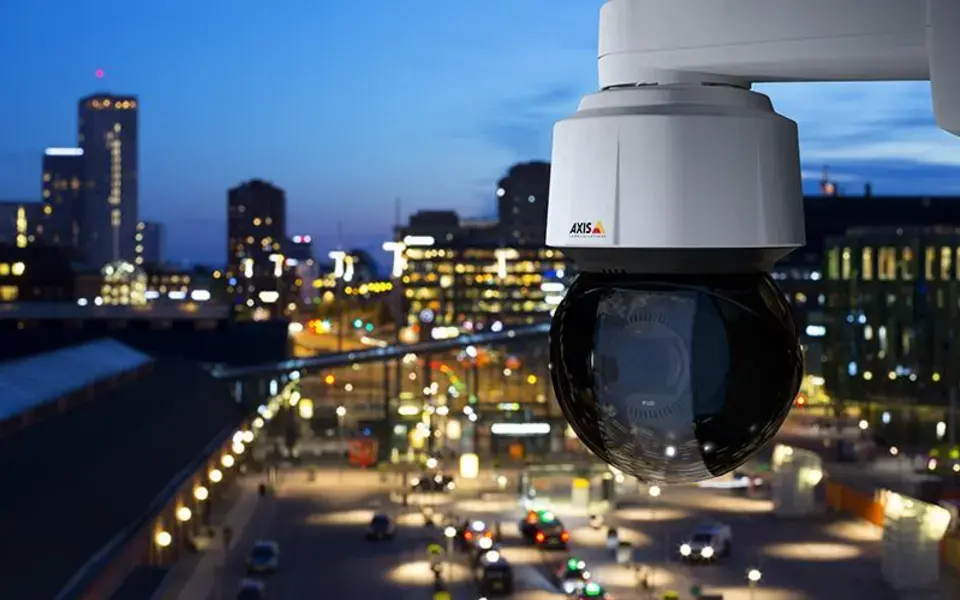
The solution

180° and 360° panoramic coverage, combined with AI analytics, provides wider visibility, fewer blind spots and real-time insights for smarter security and operations.

Key capabilities

Wide-area visibility

  • 180° and 360° wide-area coverage
  • Reduced blind spots and fewer cameras

AI analytics

  • AI-powered analytics
  • People counting and queue monitoring
  • Restricted-zone detection

Operational insight

  • Real-time crowd and traffic insights

Investigation & resilience

  • Smart search and incident investigation
  • All-weather surveillance

How it works

  1. CAPTURE THE WIDE SCENE

    A 180° or 360° camera captures a broad area from one mounting position, reducing blind spots.

  2. TRANSMIT THE VIDEO

    The camera sends its video stream through the site network; switches or fibre carry it to the recording/monitoring system.

  3. VIEW & INVESTIGATE

    The VMS displays and records the panoramic stream. The VMS must support the camera's view format and any required dewarping.

Equipment requirements

CORE DEVICES
Milesight 360° fisheye, 180° panoramic, dual-sensor panoramic or multi-directional camera
SITE INFRASTRUCTURE
Mounting, compatible power, network cabling and switch
AS NEEDED
  • NVR/VMS/CMS
  • Fibre uplink
  • Additional fixed/PTZ cameras for distant detail

Integration

YES — keep your existing VMS for the wider system.

Add the panoramic camera through ONVIF/RTSP. If panoramic dewarping is not available in the existing VMS, use Milesight VMS to view that camera while retaining the current system for the rest.

Key benefits

  • Wider Coverage
  • Smarter Insights
  • Lower Installation Costs
  • Improved Security
  • Better Operations

Where it can be used

  • Retail
  • Healthcare
  • Tourism
  • Smart Spaces
  • Public Areas

Learn more at Milesight (opens the manufacturer's page in a new tab)

Video Surveillance & Intelligent Security

PTZ Surveillance

PTZ to Move Your World!
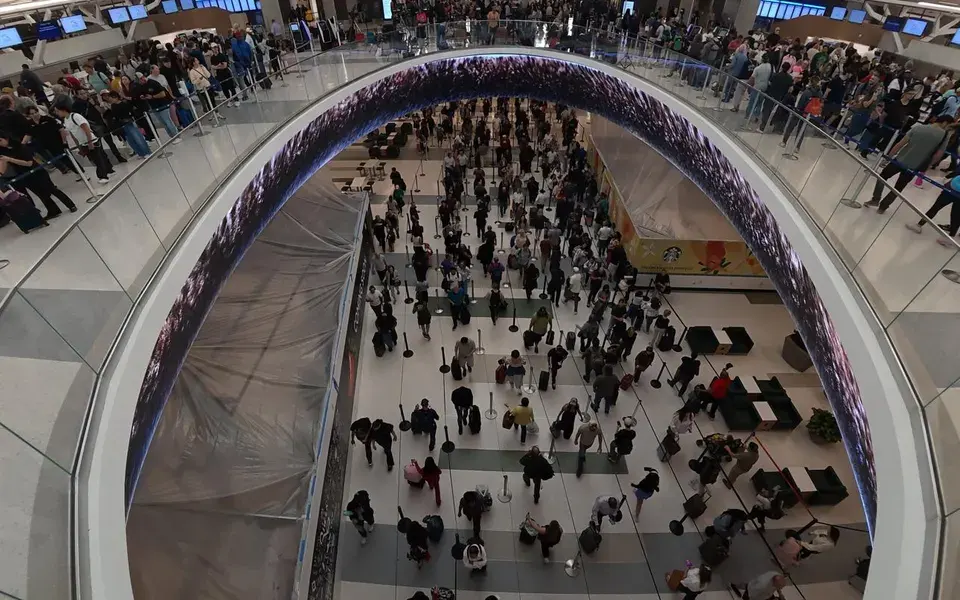
The solution

AI Pan-Tilt-Zoom (PTZ) cameras combine wide-area coverage, intelligent tracking and powerful zoom to monitor large areas while focusing on critical details in real time.

Key capabilities

Coverage & detail

  • 360° continuous coverage
  • Up to 4K resolution and 42× zoom

Intelligent tracking

  • AI auto tracking
  • AI deep learning and 3D positioning

Image performance

  • Smart IR and Starlight imaging
  • 140 dB Super WDR

Privacy

  • Privacy masking

How it works

  1. MONITOR THE AREA

    The PTZ camera provides a live view of the selected area.

  2. FOLLOW THE TARGET

    An operator, or supported automatic tracking, moves the camera and uses optical zoom to inspect a person, vehicle or incident.

  3. RECORD & REVIEW

    The video is transmitted to the VMS/NVR for live viewing, recording and later investigation.

Equipment requirements

CORE DEVICE
Milesight AI PTZ camera (bullet, dome or speed-dome model selected by zoom and range)
SITE INFRASTRUCTURE
Model-compatible power, mount and network connection
AS NEEDED
  • Network switch/fibre
  • NVR/VMS/CMS
  • Operator workstation
  • Additional fixed cameras

Integration

YES — keep your existing VMS for viewing and recording.

Add the PTZ camera through ONVIF. Where full PTZ control is unavailable in the existing VMS, use the camera’s supported control interface or Milesight VMS for PTZ operation.

Key benefits

  • Expanded Visibility
  • Smarter Detection
  • Detailed Monitoring
  • 24/7 Protection

Where it can be used

  • Smart Cities
  • Critical Infrastructure
  • Industrial Sites
  • Large Facilities
  • Public Areas
  • Perimeter Security

Learn more at Milesight (opens the manufacturer's page in a new tab)

Video Surveillance & Intelligent Security

Smart Crowd Management

Smarter Crowd Monitoring. Safer Spaces. Better Operations.
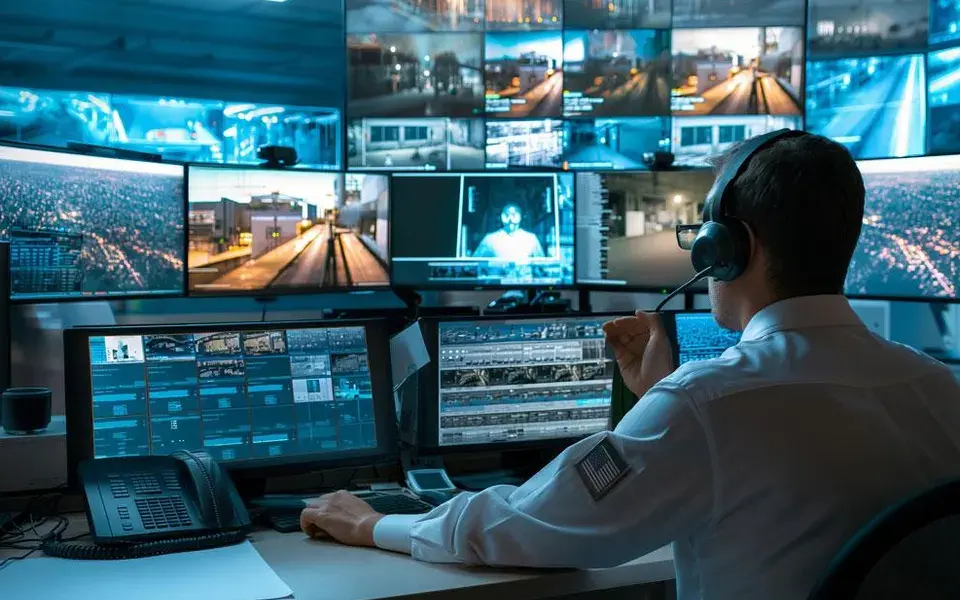
The solution

AI people counting, real-time occupancy monitoring, centralized management and intelligent alarms help organizations control crowd levels and optimize facility operations.

Key capabilities

People counting

  • Real-time people counting
  • High-accuracy entry and exit detection

Occupancy control

  • Occupancy monitoring and limits
  • Automated occupancy alerts

Management & analytics

  • Centralized data management
  • Real-time and historical analytics
  • Daily, weekly and monthly reports

How it works

  1. COUNT PEOPLE

    People-counting cameras detect and count people crossing configured counting lines or zones.

  2. CALCULATE OCCUPANCY

    Counting data is sent to the management platform, which calculates entries, exits and occupancy information.

  3. INFORM OPERATORS

    Staff view occupancy dashboards and reports. Alerts or displays can be added when the project requires them. OPTIONAL: Optional alert/display outputs

Equipment requirements

CORE DEVICES
  • Compatible Milesight people-counting/network cameras
  • Milesight CMS
SITE INFRASTRUCTURE
Network/PoE switches where supported, cabling and management workstation
AS NEEDED
  • NVR for video recording
  • Occupancy display
  • Audio alert
  • API/middleware for external systems

Integration

YES — keep your existing VMS for video.

Connect cameras through ONVIF/RTSP. Send supported people-counting data to Milesight CMS or a compatible dashboard for occupancy monitoring and reports; occupancy data can also be shared with a BMS through a compatible interface.

BMS (optional): Optional: occupancy data can be shared with a BMS if the camera platform and BMS support a compatible interface.

Key benefits

  • Staff Optimization
  • Data-Driven Decisions
  • Automated Crowd Control
  • Improved Safety
  • Centralized Management

Where it can be used

  • Retail
  • Shopping Malls
  • Healthcare
  • Public Facilities
  • Transportation Hubs
  • Large Venues

Learn more at Milesight (opens the manufacturer's page in a new tab)

Video Surveillance & Intelligent Security

Smart Remote Management

Remote Management. Faster Support. Lower Costs.

The solution

Remote device monitoring, configuration, maintenance and troubleshooting are managed centrally, helping reduce site visits and resolve issues faster.

Key capabilities

Remote access & control

  • Remote device access
  • Remote reboot and time synchronization

Centralized administration

  • Centralized device management
  • Bulk configuration and updates
  • Permission-based secure access

Network & device settings

  • Network configuration
  • Camera video, audio and image settings

System health

  • NVR channel status monitoring

How it works

  1. CONNECT SITE DEVICES

    Supported Milesight cameras and NVRs connect to the UR32S router through the local network.

  2. ESTABLISH REMOTE ACCESS

    The router connects the site to the internet through a SIM/mobile network or wired WAN connection, depending on the installation.

  3. MANAGE FROM ANYWHERE

    Authorized users use the supported Milesight app/CMS to view devices and perform the remote management functions available to their account.

Equipment requirements

CORE DEVICES/SOFTWARE
  • Milesight UR32S CCTV Router
  • M-Sight Pro APP
  • Milesight CMS
  • Supported Milesight cameras/NVRs
SITE INFRASTRUCTURE
  • SIM/data plan or supported WAN connection
  • Network cabling
AS NEEDED
  • Downstream LAN switch
  • UPS
  • VPN/fixed IP if required by the customer's network policy

Integration

YES — retain your existing VMS.

Keep it for video and recording through ONVIF/RTSP. Use the Milesight UR32S router with the Milesight app/CMS as a separate remote-management path for supported Milesight devices.

Key benefits

  • Fewer Site Visits
  • Faster Troubleshooting
  • Lower Maintenance Costs
  • Efficient Support
  • Secure Remote Access

Where it can be used

  • Security Installations
  • Multi-Site Surveillance
  • Remote Facilities
  • Professional Security Services
  • Enterprise CCTV Systems

Learn more at Milesight (opens the manufacturer's page in a new tab)

Traffic & Vehicle Management

Red-Light Enforcement

AI-Powered Automated Enforcement for Safer Intersections and Smarter Traffic Management
The solution

AI traffic cameras combine traffic-signal recognition, vehicle tracking and automated evidence capture to detect red-light violations and improve intersection safety.

Key capabilities

Violation detection

  • Red-light violation detection
  • Traffic signal recognition

Vehicle identification

  • License Plate Recognition (LPR)
  • Vehicle tracking

Evidence collection

  • Automated evidence capture
  • Multiple snapshots and video evidence

Alerts & response

  • Real-time alerts and response

How it works

  1. DETECT

    The camera monitors the signal-controlled lane and captures a vehicle crossing the stop line while the signal is red.

  2. IDENTIFY

    The camera reads the vehicle's number plate and associates it with the captured image/video evidence.

  3. SUBMIT EVIDENCE

    The camera sends the violation record to the enforcement platform, where the case can be reviewed and processed.

Equipment requirements

CORE DEVICE
Milesight DualVision TrafficX Enforcement Camera
SITE INFRASTRUCTURE
Mounting pole/bracket, 24 V DC/AC power, network connection
AS NEEDED
  • Signal-controller connection
  • Network switch/fibre
  • Enforcement platform
  • NVR/VMS

Integration

YES — keep your existing VMS for video.

Connect the Milesight camera through ONVIF/RTSP. Send supported violation records separately to the traffic platform through the camera’s available event or metadata interface.

Where it can be used

  • Smart Intersections
  • Urban Roads
  • Traffic Enforcement
  • Smart Cities

Learn more at Milesight (opens the manufacturer's page in a new tab)

Traffic & Vehicle Management

Speed Enforcement

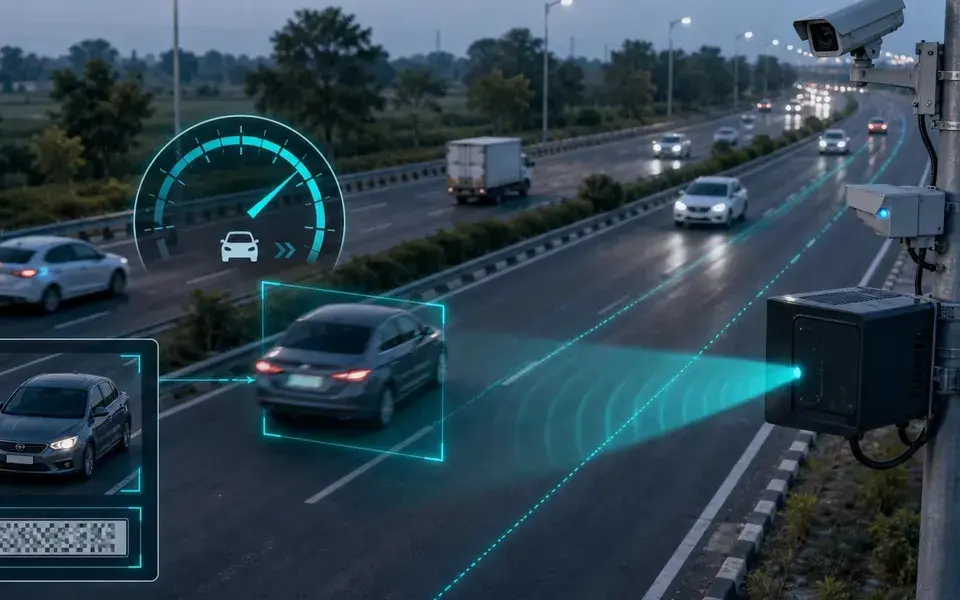
Next-Level Radar-Video Fusion for Smarter Speed Enforcement
The solution

AI-powered Automatic Number Plate Recognition (ANPR), radar-video fusion and real-time speed detection identify speeding vehicles, capture license plates and provide enforcement evidence across different traffic environments.

Key capabilities

Speed detection

  • Radar-based speed detection

Vehicle identification

  • AI ANPR and license plate recognition

Evidence & violations

  • Dual-view evidence capture
  • Overspeed and traffic violation detection

Monitoring & integration

  • Day and night monitoring
  • Real-time alerts and data integration

How it works

  1. MEASURE SPEED

    The radar-enabled camera measures the speed of a passing vehicle.

  2. CAPTURE & IDENTIFY

    The camera captures the vehicle and reads its number plate, linking the identification to the speed measurement.

  3. SEND FOR REVIEW

    The speed result and image evidence are sent to the enforcement backend for review and processing.

Equipment requirements

CORE DEVICE
Milesight RadarV speed-enforcement camera (select model by road layout and radar requirements)
SITE INFRASTRUCTURE
Mounting pole/bracket, model-specific power, network connection
AS NEEDED
  • Network switch/fibre or 4G
  • Enforcement backend
  • NVR/VMS
  • Cabinet and surge protection

Integration

YES — keep your existing VMS for video.

Connect the camera through ONVIF/RTSP, then send supported speed and violation data to the enforcement platform through HTTP, TCP or MQTT.

Where it can be used

  • Highways
  • Urban Roads
  • School Zones
  • Residential Areas
  • Restricted Parking Zones
  • Traffic Enforcement

Learn more at Milesight (opens the manufacturer's page in a new tab)

Traffic & Vehicle Management

Smart Parking

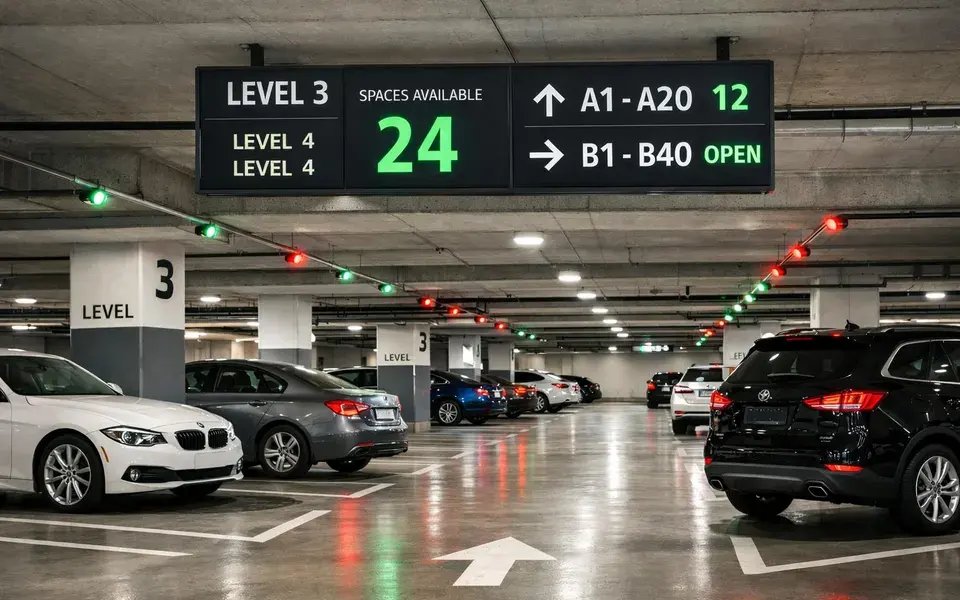
Efficient, Accurate and Visualized Parking Operations
The solution

AI License Plate Recognition (LPR), occupancy detection, parking enforcement and intelligent surveillance work together to improve parking efficiency, security and the user experience.

Key capabilities

Parking occupancy

  • Smart occupancy detection

Vehicle monitoring

  • AI LPR and vehicle monitoring

Enforcement & security

  • Illegal parking detection
  • Parking surveillance

Operational insight

  • Real-time alerts
  • Parking data and analytics

How it works

  1. DETECT SPACE AVAILABILITY

    Parking cameras monitor individual spaces and identify whether each space is occupied or vacant.

  2. IDENTIFY VEHICLES

    At equipped entrances/exits, LPR cameras read number plates and provide vehicle identification to the parking workflow.

  3. UPDATE PARKING OPERATIONS

    The parking platform combines the available data to update occupancy, guidance displays and, where configured, entry/payment workflows.

Equipment requirements

CORE DEVICES
  • Milesight Parking Management Camera
  • Indoor Parking Guidance Camera
  • Entrance/Exit LPR camera as required
SITE INFRASTRUCTURE
Network/PoE switches where supported, cabling, power and mounting
AS NEEDED
  • Parking display
  • Barrier/controller
  • Payment or parking platform
  • NVR/VMS

Integration

YES — keep your existing VMS for video.

Connect cameras through ONVIF/RTSP. Send supported occupancy and LPR data to the parking platform, which can handle parking functions that the VMS does not provide.

BMS (optional): Optional: occupancy data can be shared with a BMS if both platforms support a compatible interface.

Where it can be used

  • Shopping Malls
  • Supermarkets
  • Industrial Parks
  • Public Parking
  • Car Wash & Auto Repair
  • Restricted Parking Zones

Learn more at Milesight (opens the manufacturer's page in a new tab)

Traffic & Vehicle Management

Entrance & Exit Management

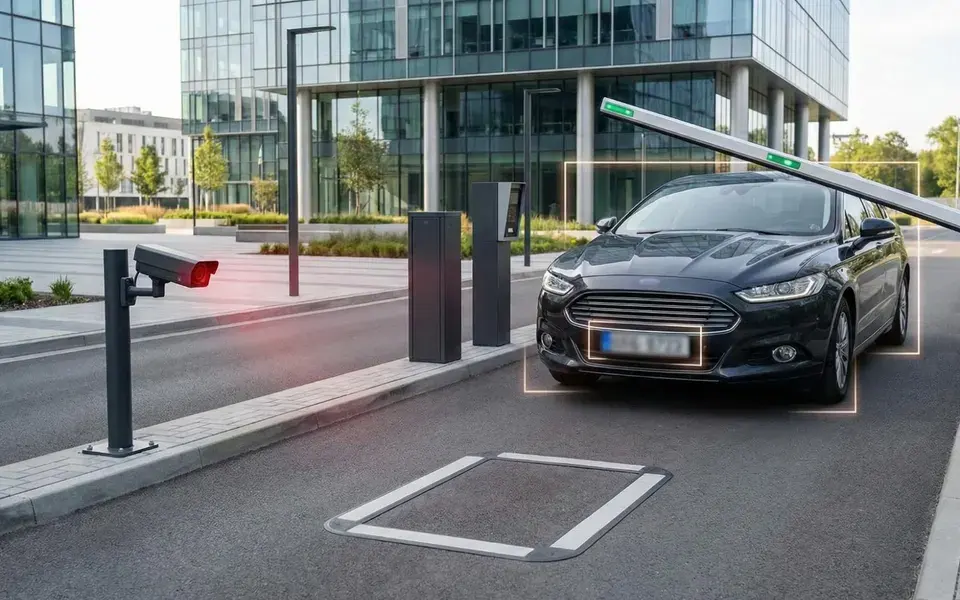
Smart Vehicle Access & Parking Management

The solution

AI-powered Automatic Number Plate Recognition (ANPR) cameras recognize vehicles, automate access control and manage parking entry and exit in real time.

Key capabilities

Vehicle recognition

  • AI License Plate Recognition

Automated access

  • Automated gate control
  • Allowlist and blocklist management
  • Barrier-free access

Parking & records

  • Parking monitoring and occupancy
  • Vehicle access logging

How it works

  1. READ THE NUMBER PLATE

    An LPR camera captures the approaching vehicle and reads its number plate.

  2. CHECK ACCESS PERMISSION

    The access/parking platform checks the plate against the configured allow-list, booking or access rule.

  3. CONTROL THE ENTRY

    The platform signals the barrier controller to open or keep the gate closed. The barrier/controller are separate equipment.

Equipment requirements

CORE DEVICE
Milesight Entrance & Exit AI LPR camera (bullet, Pro Bullet Plus, dome or supplement-light variant)
SITE INFRASTRUCTURE
Mounting, power, network cabling and switch
AS NEEDED
  • Barrier/boom gate and controller
  • Access/parking backend
  • NVR/VMS
  • Supplementary lighting

Integration

YES — retain your existing access and parking setup.

Connect the LPR camera for video and send plate data to the access/parking platform through a supported API or data interface. The existing barrier can remain and be controlled through its compatible controller.

Where it can be used

  • Industrial Parks
  • Parking Lots
  • Retail
  • Residential
  • Offices
  • Hospitals
  • Campuses
  • Tolling

Learn more at Milesight (opens the manufacturer's page in a new tab)

Industry-Specific Solutions

On-Board Video Security

Complete Visibility for Safer Journeys
The solution

AI-powered onboard video surveillance provides comprehensive visibility across the road, driver area, passenger cabin and vehicle entrances.

Key capabilities

Vehicle-wide visibility

  • 360° panoramic coverage
  • Front and rear road views

People monitoring

  • Driver and passenger monitoring
  • People counting and occupancy

Incident awareness

  • AI event detection
  • Real-time alerts

Evidence & integration

  • Incident recording and evidence
  • Fleet platform integration

How it works

  1. CAPTURE VEHICLE VIEWS

    Cameras are positioned to monitor selected areas such as the road ahead, driver, passenger cabin and vehicle entrances.

  2. RECORD ON THE VEHICLE

    Camera video is sent to a compatible onboard recorder for local recording and storage.

  3. ACCESS FOOTAGE

    Where a compatible mobile router and fleet/video platform are included, authorized users can access selected video or vehicle information remotely.

Equipment requirements

CORE DEVICES
  • Milesight 360° fisheye or two 180° panoramic cameras for cabin coverage
  • Additional cameras for road/driver/entrance views
VEHICLE INFRASTRUCTURE
Vehicle power conversion/protection, vehicle-grade mounting and cabling
AS NEEDED
  • Compatible onboard recorder/platform
  • Mobile router for remote access
  • Fleet-platform interface

Integration

YES — your existing onboard recorder may be retained.

Connect compatible cameras to the recorder. For remote viewing, add a compatible mobile router and platform; central VMS connection is arranged through the recorder’s available output or interface.

Where it can be used

  • School Buses
  • Public Transportation
  • Coaches
  • Shuttle Buses
  • Taxis
  • Corporate Fleets
  • Airport Transportation

Learn more at Milesight (opens the manufacturer's page in a new tab)

Industry-Specific Solutions

Retail Video Surveillance

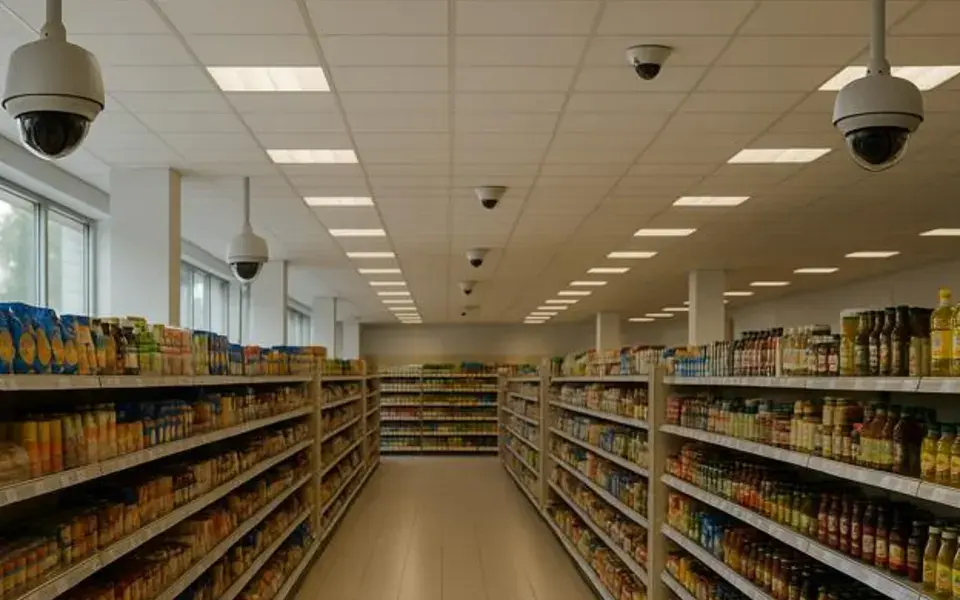
Secure Stores. Understand Customers. Optimize Every Operation.

The solution

AI video surveillance and analytics improve security, reduce losses, reveal customer behavior and help optimize daily retail operations.

Key capabilities

Loss prevention & safety

  • AI loss prevention to detect suspicious activity and reduce theft
  • Staff safety monitoring, critical-event detection and evidence

Store visibility

  • 360° visibility across aisles, entrances and checkout areas
  • Improved visibility of blind spots

Customer flow & queues

  • Queue and occupancy management, including queues, wait times and occupancy
  • People counting and customer-flow analysis

Business intelligence

  • Layout, product-placement and conversion analysis

Parking & multi-site operations

  • AI LPR and parking management to automate vehicle access and parking
  • Centralized management across multiple stores

Integration

  • Open integration with Video Management Systems (VMS), IoT, access control and other systems

How it works

  1. CAPTURE STORE ACTIVITY

    IP cameras monitor selected areas such as entrances, checkout counters, sales floors, stockrooms and loading areas.

  2. TRANSMIT & RECORD VIDEO

    Cameras send video over the network to an NVR or compatible VMS. Analytics-capable models can generate supported events in configured areas.

  3. MONITOR & INVESTIGATE

    Store/security teams view live video, review recordings and use supported analytics to investigate incidents and understand activity. OPTIONAL: Optional links to POS, LPR and business platforms

Equipment requirements

CORE DEVICES
Milesight IP cameras selected for entrances, aisles, checkout, stockroom and external zones
RECORDING/MANAGEMENT
Suitable Milesight NVR, OpenVision device/server or compatible VMS
SITE INFRASTRUCTURE
PoE/network switches, structured cabling, rack and operator workstation
AS NEEDED
  • LPR cameras
  • IP speaker
  • POS/access-control integration
  • Central multi-site management

Integration

YES — keep your existing VMS for video.

Add Milesight cameras through ONVIF/RTSP. Where supported AI events are required, deliver them through the camera’s available event interface or use Milesight VMS for the additional analytics view.

Where it can be used

  • Chain Stores
  • Shopping Malls
  • Supermarkets
  • Unmanned Stores
  • Retail Shops
  • Parking Areas
  • Warehouses & Back-of-House

Retail surveillance becomes a source of actionable business intelligence, not just video monitoring.

Learn more at Milesight (opens the manufacturer's page in a new tab)

Industry-Specific Solutions

Traffic Surveillance

Smarter Traffic. Safer Roads. Better Mobility.
The solution

AI cameras, Automatic Number Plate Recognition (ANPR), radar and intelligent analytics monitor traffic, detect violations, analyze vehicle flow and improve road safety.

Key capabilities

Road & vehicle monitoring

  • AI traffic monitoring for real-time road and vehicle visibility
  • ANPR and LPR for vehicle and plate recognition

Violation detection

  • Speeding, red-light violations and illegal parking detection

Traffic intelligence

  • Traffic-flow analysis covering congestion, vehicle flow and road usage

Parking & operations

  • Smart parking activity and availability
  • Centralized traffic-system monitoring and alerts

How it works

  1. MONITOR ROAD ACTIVITY

    Cameras, radar and/or LPR devices are selected for the required task, such as vehicle observation, speed measurement or plate recognition.

  2. CAPTURE THE REQUIRED DATA

    The selected equipment captures video and the relevant speed, number-plate or traffic event data supported by that model.

  3. DELIVER TO TRAFFIC OPERATIONS

    Video and supported event data are transmitted over the wired or cellular connection to the traffic-management platform for monitoring and response.

Equipment requirements

CORE DEVICES
Milesight traffic cameras selected by task: AI traffic, LPR, radar, PTZ or solar-powered models
SITE INFRASTRUCTURE
Roadside mount, power, network connection and suitable data backhaul
AS NEEDED
  • Network/fibre/cellular router
  • Traffic backend
  • NVR/VMS
  • Signal-controller interface
  • Solar kit

Integration

YES — keep your existing VMS for video.

Connect traffic cameras through the available video interface. Send supported LPR and traffic data separately through HTTP, TCP, MQTT or metadata interfaces to a compatible traffic-management platform.

Where it can be used

  • Smart Cities
  • Urban Roads
  • Highways
  • Intersections
  • School Zones
  • Industrial Parks
  • Smart Parking

Intelligent traffic insights support safer, smoother and smarter mobility.

Learn more at Milesight (opens the manufacturer's page in a new tab)

Industry-Specific Solutions

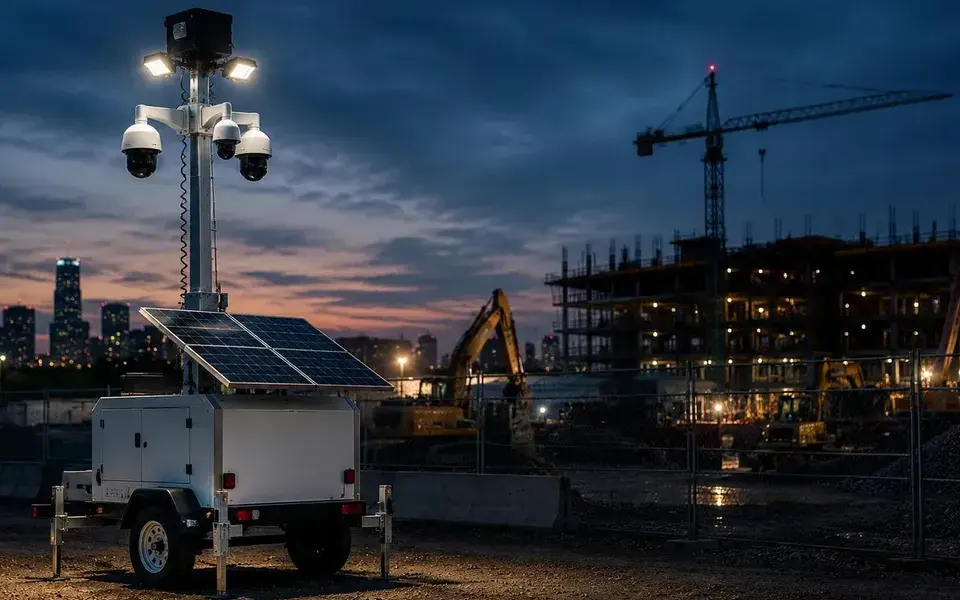
Mobile Surveillance Units

Deploy Anywhere. Monitor Instantly. Protect Continuously.

The solution

Rapid, flexible security for temporary, remote and off-grid locations is provided through AI cameras, wireless connectivity, solar power and intelligent monitoring.

Key capabilities

Rapid deployment

  • Rapid deployment for locations where fixed infrastructure is difficult to establish

Off-grid operation

  • Solar and battery power
  • Operation without fixed infrastructure

Intelligent surveillance

  • AI video analytics
  • Wide-area coverage using panoramic, PTZ and long-range cameras

Deterrence & communication

  • Active deterrence using lights and sirens
  • Two-way audio

Connectivity & management

  • 4G and 5G connectivity
  • Remote management

How it works

  1. POSITION THE MOBILE UNIT

    Cameras are mounted on a trailer, tower or other suitable mobile structure to cover the temporary site.

  2. CONNECT & TRANSMIT

    Cameras connect to the local network and cellular router; video is sent over 4G/5G where coverage and data service are available.

  3. MONITOR REMOTELY

    The remote control room receives the video through the configured VMS/monitoring platform, without requiring a fixed site backhaul.

Equipment requirements

CORE DEVICES
Milesight outdoor AI cameras selected for panoramic, PTZ, LPR or deterrence coverage
MOBILE INFRASTRUCTURE
  • Third-party trailer/tower/enclosure
  • Power system
  • 4G/5G connectivity
AS NEEDED
  • Milesight 4G PoE Router
  • OpenVision edge device/server
  • Speaker
  • Remote VMS/CMS

Integration

YES — connect the mobile unit to your existing VMS.

Transmit camera video through ONVIF/RTSP over the available 4G/5G link. Use local SD/edge recording to preserve footage when bandwidth or connectivity cannot sustain continuous streaming.

Where it can be used

  • Construction Sites
  • Parking Areas
  • Temporary Events
  • Urban Roads
  • Remote Areas
  • Industrial Sites
  • Communities

Portable, intelligent security extends surveillance to locations where traditional CCTV is difficult to deploy.

Learn more at Milesight (opens the manufacturer's page in a new tab)

Industry-Specific Solutions

Construction Site Security

Secure Every Site. Detect Risks. Respond Instantly.

The solution

AI cameras, mobile surveillance, wireless connectivity and analytics help protect construction sites, monitor safety and provide real-time visibility.

Key capabilities

Flexible deployment

  • Rapid deployment without fixed infrastructure

Threat detection

  • AI detection of intrusions, people, vehicles and suspicious activity

Worker safety

  • Personal Protective Equipment (PPE) and safety monitoring

Deterrence & response

  • Active deterrence using alarms, lights, sirens and two-way audio

Remote operation

  • Off-grid surveillance using solar power, batteries and 4G
  • Remote monitoring

Project oversight

  • Project progress oversight and incident documentation

How it works

  1. COVER SITE PRIORITIES

    Cameras are positioned at perimeters, entrances, equipment areas and work zones according to the site's risks.

  2. DETECT CONFIGURED EVENTS

    Selected camera analytics detect supported events such as intrusion or specified PPE-related conditions, depending on the chosen model and configuration.

  3. VERIFY & RESPOND

    Video and event notifications reach the monitoring platform so security or site teams can verify the alert and take action.

Equipment requirements

CORE DEVICES
Milesight AI cameras selected for intrusion, PPE, PTZ, panoramic and LPR coverage
SITE INFRASTRUCTURE
Mounting poles, power, network/fibre or 4G connectivity
AS NEEDED
  • 4G PoE Router
  • OpenVision Camera/8-channel Server
  • Speaker/strobe
  • NVR/VMS
  • Mobile trailer/tower

Integration

YES — keep your existing VMS for video.

Add Milesight cameras through ONVIF/RTSP. Deliver supported intrusion or PPE events through the camera’s available event interface, or use Milesight VMS for the additional analytics view.

Where it can be used

  • Construction Sites
  • Remote Projects
  • Infrastructure Projects
  • Industrial Sites
  • Temporary Work Zones

Flexible, intelligent site security protects locations where traditional CCTV infrastructure is difficult to deploy.

Learn more at Milesight (opens the manufacturer's page in a new tab)

Industry-Specific Solutions

Mining Site Security

Protect Workers and Assets Across Mining Sites
The solution

AI video surveillance, real-time analytics and centralized monitoring help protect workers, vehicles, equipment, assets and remote perimeters.

Key capabilities

Worker safety

  • Personal Protective Equipment (PPE) violation detection
  • Fall detection
  • Unsafe-behavior monitoring

Vehicle & equipment monitoring

  • Heavy-vehicle monitoring, including speeding
  • Monitoring trucks, forklifts and heavy equipment

Theft & asset protection

  • AI theft prevention through intrusion and suspicious-activity detection
  • Warehouse and asset protection with wide-area visibility and reduced blind spots

Operational areas

  • Loading-bay occupancy, vehicle flow and operations management

Access & perimeter security

  • License Plate Recognition (LPR) and vehicle access management
  • Remote perimeter security using long-range cameras and intelligent intrusion detection

Night & central monitoring

  • Low-light imaging and active deterrence for night-time protection
  • Centralized monitoring and alerts

How it works

  1. MONITOR CRITICAL ZONES

    Cameras cover selected areas such as mine entrances, haul roads, loading zones, equipment areas and remote perimeters.

  2. DETECT SITE-SPECIFIC EVENTS

    Selected AI, radar or LPR functions identify relevant people, vehicles, speed or access events supported by the installed models.

  3. CENTRALIZE OPERATIONS

    Video and supported event data travel over the site network/fibre to the control room for monitoring and investigation.

Equipment requirements

CORE DEVICES
Milesight cameras selected by zone: Pro, radar, multi-directional, fisheye, LPR, parking and long-range PTZ
SITE INFRASTRUCTURE
Ruggedized network switches, fibre backbone, protected power and mounting
AS NEEDED
  • NVR/VMS/CMS
  • Access/barrier controller
  • Speaker/alarm
  • Redundant links and power

Integration

YES — keep your existing VMS for video.

Connect selected cameras through ONVIF/RTSP. Send supported radar, LPR or AI data to the relevant operations platform through the interface available on the selected equipment.

Where it can be used

  • Mining Sites
  • Open-Pit Mines
  • Mining Roads
  • Warehouses
  • Loading Docks
  • Worker Areas
  • Site Entrances
  • Remote Perimeters

Mining-site surveillance becomes a proactive tool for safety, security and operational intelligence.

Learn more at Milesight (opens the manufacturer's page in a new tab)

Industry-Specific Solutions

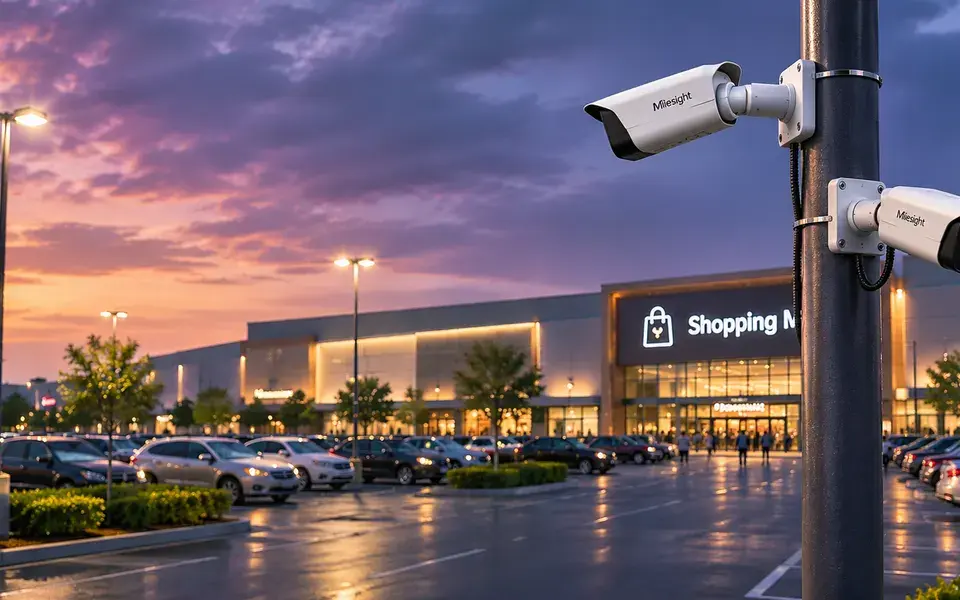
Retail Parking Lot Security

Deter Crime, Optimize Operations & Evidence Collection
The solution

AI cameras, License Plate Recognition (LPR), occupancy detection and mobile surveillance secure retail parking areas, deter incidents and improve parking management.

Key capabilities

Vehicle & parking management

  • AI LPR and vehicle recognition
  • Smart parking and occupancy detection

Security & deterrence

  • Active deterrence
  • 24/7 monitoring

Flexible deployment

  • Mobile and off-grid surveillance

Incident handling

  • Video evidence and alerts

How it works

  1. MONITOR PARKING & VEHICLE ROUTES

    Cameras cover parking spaces, entrances, driving lanes and pedestrian areas.

  2. IDENTIFY VEHICLES & EVENTS

    LPR cameras read number plates, while selected AI cameras detect supported activity or security events.

  3. SUPPORT PARKING & SECURITY

    Video and relevant data reach the VMS or parking platform for monitoring, incident review and configured parking workflows.

Equipment requirements

CORE DEVICES
Milesight AI/LPR, panoramic, TrueColor, PTZ or Parking Management cameras
SITE INFRASTRUCTURE
Poles/mounts, power and network or 4G connectivity
AS NEEDED
  • 4G PoE Router
  • OpenVision Server
  • NVR/VMS
  • Parking platform
  • Barrier/controller
  • Speaker/strobe

Integration

YES — keep your existing VMS for video.

Connect cameras through ONVIF/RTSP and send supported LPR or parking data to a dedicated parking platform for occupancy and vehicle workflows.

Where it can be used

  • Retail Parking
  • Shopping Malls
  • Auto Dealerships
  • Retail Warehouses
  • EV Charging Areas

Learn more at Milesight (opens the manufacturer's page in a new tab)

Industry-Specific Solutions

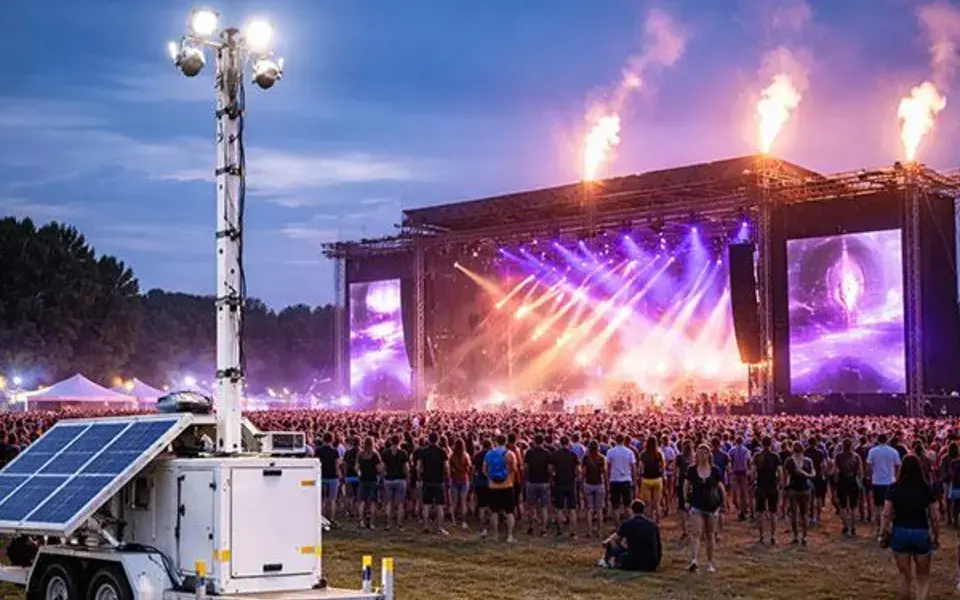
Temporary Event Security

Rapid Deployment & Easy Redeployment

The solution

Mobile AI surveillance, crowd monitoring, License Plate Recognition (LPR) and real-time alerts help secure temporary events without requiring fixed infrastructure.

Key capabilities

Deployment

  • Rapid and flexible deployment

Crowd monitoring

  • AI crowd and people monitoring

Vehicle & parking

  • LPR and parking management

Coverage & response

  • 360° event coverage
  • Real-time alerts and deterrence
  • Remote monitoring

How it works

  1. DEPLOY COVERAGE

    Temporary cameras are positioned to cover event entrances, crowd areas, parking and perimeter zones.

  2. CONNECT THE CAMERAS

    A local network links the cameras to the site connection or a 4G/5G router where mobile coverage is available.

  3. MONITOR THE EVENT

    Live video and supported events are sent to the event control room or remote VMS so security teams can monitor activity.

Equipment requirements

CORE DEVICES
Milesight panoramic, PTZ, Pro Bullet, LPR or AI cameras selected by event zone
TEMPORARY INFRASTRUCTURE
  • Third-party trailer/tower/box or pole kit
  • Power
  • 4G/5G connectivity
AS NEEDED
  • 4G PoE Router
  • OpenVision edge device
  • 15 W speaker
  • NVR/VMS
  • LPR/parking platform

Integration

YES — connect temporary cameras to your existing VMS.

Use ONVIF/RTSP over the available 4G/5G link. If bandwidth cannot sustain live streaming, record locally at the camera/edge and forward footage when connectivity allows.

Where it can be used

  • Concerts
  • Festivals
  • Stadiums
  • Marathons
  • Expos
  • Public Events

Learn more at Milesight (opens the manufacturer's page in a new tab)

Smart Spaces & Buildings

People Counting

Turn foot traffic into useful operational insights
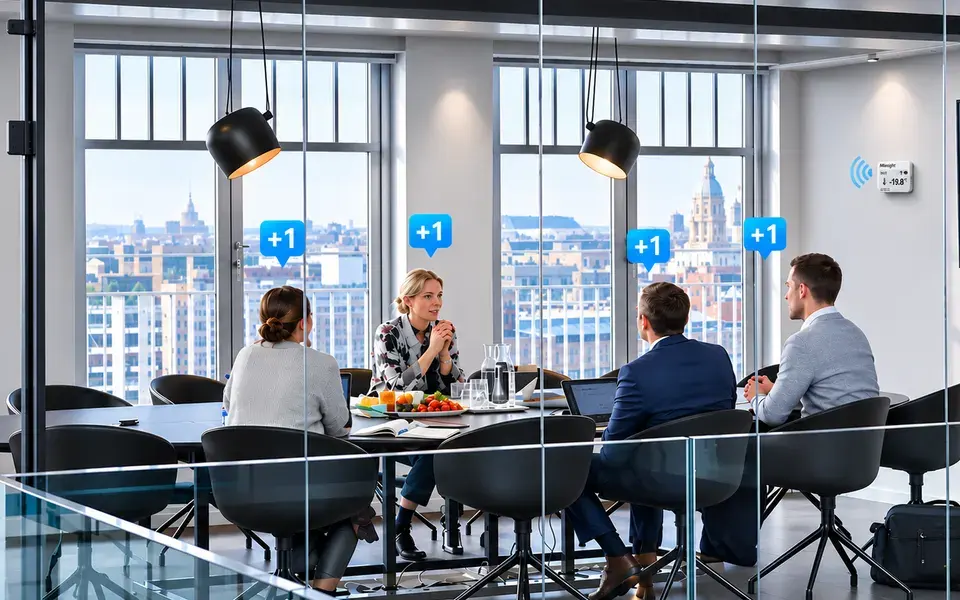
The solution

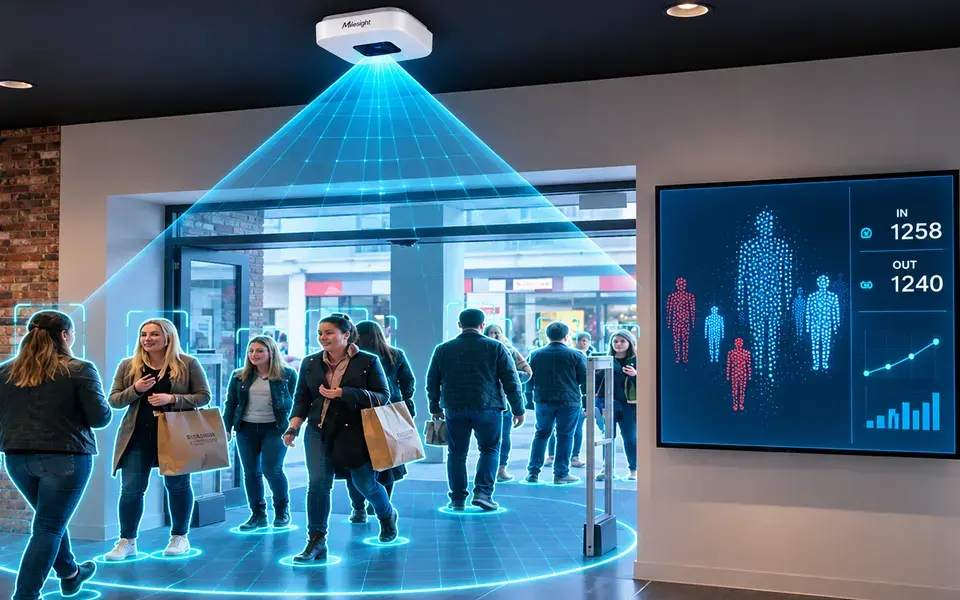
Measure how many people enter, leave and move through a space. Use the resulting data to understand visitor flow, manage occupancy and improve staffing and space utilization.

Key capabilities

PEOPLE COUNTING

  • Bi-directional and regional counting
  • group counting
  • tailgating detection

OCCUPANCY & BEHAVIOUR

  • Occupancy monitoring
  • dwell time
  • heat maps and visitor behaviour

VISITOR INSIGHTS

  • Staff exclusion
  • child/adult and gender attributes where supported

How it works

  1. CAPTURE FOOTFALL

    Install the selected counter at the defined entrance or zone. It records crossings and generates only the counting or visitor attributes supported by that model.

  2. ANALYZE VISITOR FLOW

    The platform organizes counts into entry/exit totals, time patterns or zone reports where supported, turning raw counts into usable footfall trends.

  3. APPLY THE INSIGHTS

    Retail or facility teams use peak-period and zone data to adjust staffing or space planning. The counter provides data; it does not schedule staff or rearrange the space.

Equipment requirements

CORE DEVICES
  • People counter selected for the entrance or monitored zone (e.g. VS125, VS133/VS135, VS126 or another suitable model)
  • Network connection
  • Analytics platform.
SITE INFRASTRUCTURE
  • Mounting at the monitored entrance/zone
  • Model-compatible power
  • Network cabling or supported wireless backhaul
  • Confirm installation position and coverage for the selected counter.
AS NEEDED
  • Additional counters for multiple entrances/zones
  • Dashboard or external business-system connection.

Integration

YES — people-counting data integration is supported. Milesight lists MQTT/HTTP(S) and open API connectivity for its people-counting solution. The exact connection depends on the selected counter and receiving platform.

Key benefits

  • Better Space Utilization
  • Smarter Staffing
  • Visitor Insights
  • Occupancy Awareness

Where it can be used

  • Retail Stores
  • Shopping Malls
  • Offices
  • Museums
  • Airports
  • Hotels
  • Healthcare
  • Event Venues

Learn more at Milesight (opens the manufacturer's page in a new tab)

Smart Spaces & Buildings

Smart Office

Create a more comfortable and efficient workplace
The solution

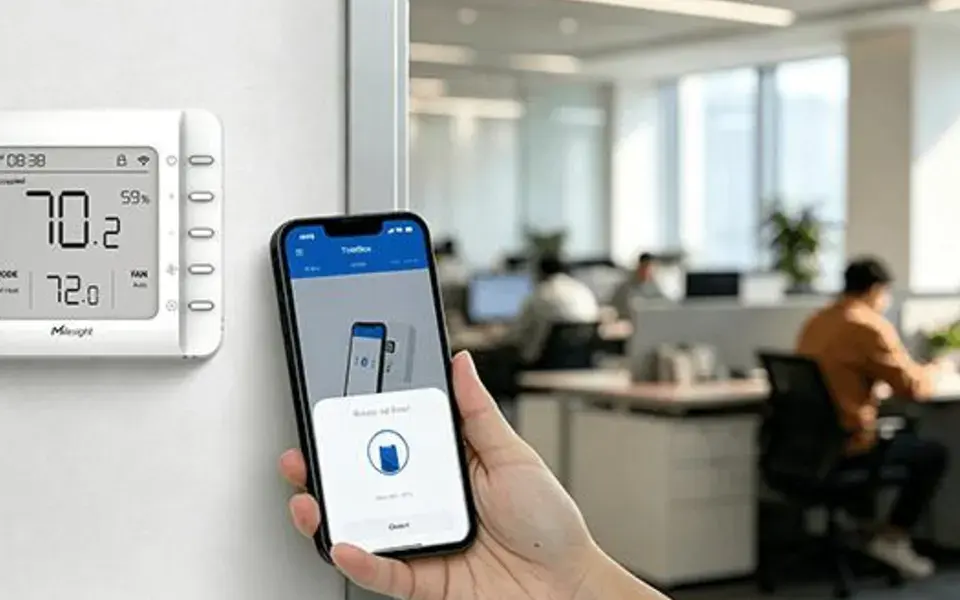
Connect occupancy, environmental and facility sensors to help organizations understand how office spaces are used, automate selected building functions and improve workplace comfort.

Key capabilities

SPACE & PRESENCE

  • Workplace occupancy
  • meeting-room and workstation monitoring

COMFORT & ENVIRONMENT

  • Temperature, humidity and indoor air quality monitoring

AUTOMATION & PROTECTION

  • Lighting and HVAC control
  • door/window status
  • water-leak detection

How it works

  1. SENSE THE WORKPLACE

    Occupancy, environmental and room sensors detect the conditions and events supported by the selected devices, such as presence, temperature, humidity or door/window status.

  2. CONNECT THE READINGS

    Devices send readings through the selected gateway or network to the management platform or BMS, where the data can be viewed together.

  3. IMPROVE COMFORT & USE

    Facility teams use occupancy and condition data to plan room use. Lighting or HVAC changes require compatible controllers, connected equipment and configured automation.

Equipment requirements

CORE DEVICES
  • Occupancy or presence sensors (e.g. VS121, VS321 or VS370)
  • Environmental and door/window sensors as required
  • Compatible gateway or network connection
  • Automation controller/switch where control is required.
SITE INFRASTRUCTURE
  • Sensor mounting and placement
  • Power and network connection for the selected gateway/controller
  • Suitable LoRaWAN or IP coverage and site backhaul as required.
AS NEEDED
Smart scene panels, lighting-control devices, leak sensors and additional room sensors according to the required functions.

Integration

YES — Milesight supports connected office sensing and building automation. For BMS/EMS integration, use the documented Milesight integration routes such as BACnet/IP, Modbus TCP, MQTT or API where applicable to the selected devices and gateway.

Key benefits

  • Better Space Utilization
  • Improved Comfort
  • Energy Savings
  • Smarter Facility Operations

Where it can be used

  • Smart Offices
  • Corporate Buildings
  • Co-working Spaces
  • Meeting Rooms
  • Commercial Buildings

Learn more at Milesight (opens the manufacturer's page in a new tab)

Smart Spaces & Buildings

Smart Restroom

Improve restroom hygiene, maintenance and user experience
The solution

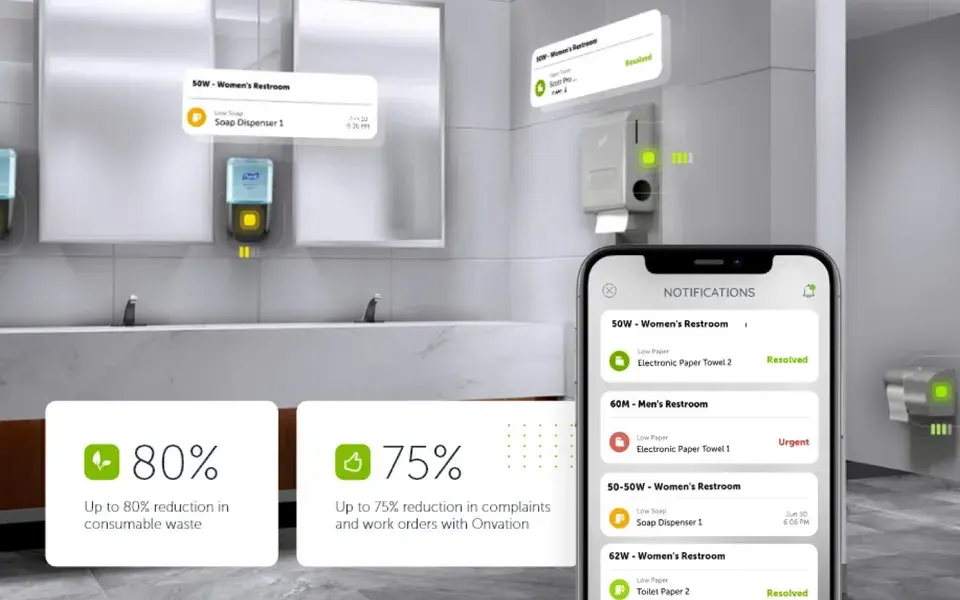
Monitor restroom occupancy, supplies and environmental conditions to help facility teams prioritize cleaning, replenish consumables and respond to issues more efficiently.

Key capabilities

USAGE MONITORING

  • Real-time occupancy and people counting

SUPPLY & ENVIRONMENT

  • Supply-level monitoring
  • odor and air-quality monitoring

FACILITY RESPONSE

  • Water-leak detection
  • emergency alerts
  • smart device control
  • energy and water management

How it works

  1. MONITOR RESTROOM CONDITIONS

    Selected sensors monitor occupancy, consumable levels and environmental or leak conditions in the zones where they are installed.

  2. SEND STATUS & ALERTS

    Readings and configured event notifications are sent through the gateway/network to the monitoring platform.

  3. PRIORITIZE FACILITY ACTION

    Cleaning and maintenance teams use status information to prioritize visits and replenish supplies. Automated equipment actions require compatible control devices and integration.

Equipment requirements

CORE DEVICES
  • Restroom occupancy or people-counting sensors
  • Supply-level sensors
  • Air-quality sensors
  • Leak sensors
  • Gateway/network connection
  • Monitoring platform.
SITE INFRASTRUCTURE
  • Sensor mounting at the relevant restroom zones
  • Gateway/network placement and backhaul
  • Power for network equipment
  • Confirm device suitability for the installation environment.
AS NEEDED
Smart displays, emergency buttons and control devices where the site requires them.

Integration

YES — the solution supports connected sensor monitoring and centralized operational visibility. The official solution page does not establish one universal external BMS/API interface for every restroom device; confirm the required connection against the selected devices and platform.

Key benefits

  • Faster Maintenance Response
  • Better Hygiene
  • Smarter Cleaning
  • Improved User Experience

Where it can be used

  • Airports
  • Railway Stations
  • Shopping Malls
  • Department Stores
  • Scenic Areas
  • Public Facilities

Learn more at Milesight (opens the manufacturer's page in a new tab)

Smart Spaces & Buildings

Smart Healthcare

Improve patient safety and healthcare facility operations
The solution

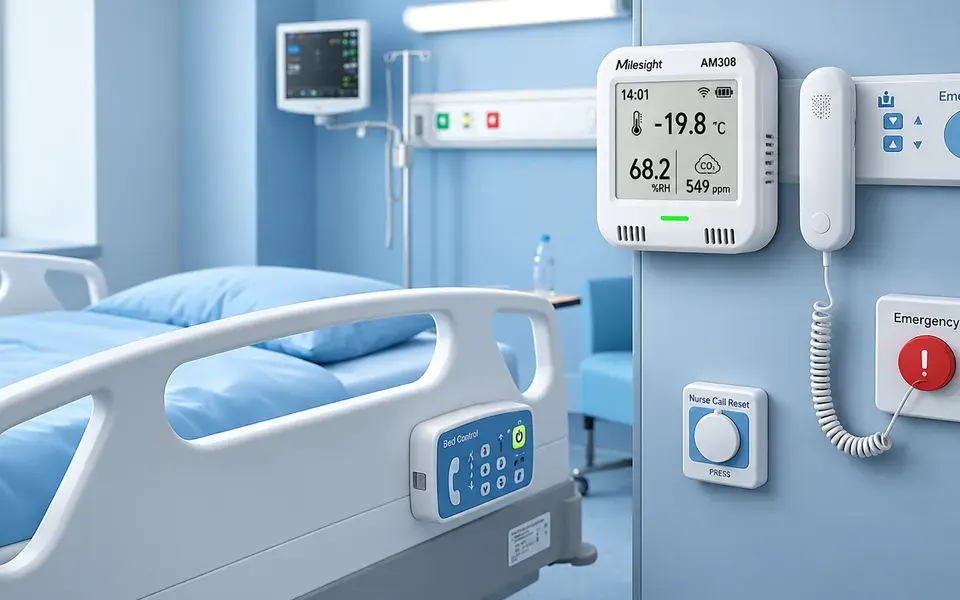
Use connected sensors to monitor environmental conditions, patient safety events, medical storage and facility operations across healthcare environments.

Key capabilities

PATIENT SAFETY

  • Radar-based fall detection
  • emergency/panic-button alerts

ENVIRONMENTAL MONITORING

  • Indoor air quality
  • temperature and humidity
  • water-leak detection

FACILITY EFFICIENCY

  • Medical asset and storage monitoring
  • HVAC, lighting and energy management

How it works

  1. MONITOR CARE AREAS

    Selected sensors monitor environmental conditions, storage conditions and configured safety events in relevant rooms or areas.

  2. TRANSMIT READINGS & EVENTS

    Connected devices send measurements and event notifications through the gateway/network to the management platform.

  3. SUPPORT STAFF RESPONSE

    Authorized staff review alerts and condition trends, then follow facility procedures. The sensors provide monitoring information; clinical decisions remain with healthcare personnel.

Equipment requirements

CORE DEVICES
  • Relevant sensors such as IAQ and temperature/humidity sensors, VS373 fall detector, WS101 smart button, leak sensors and magnetic contacts
  • LoRaWAN gateway
  • Monitoring platform.
SITE INFRASTRUCTURE
  • Sensor mounting in the relevant care/storage areas
  • Gateway location and coverage
  • Power and network backhaul for the gateway/platform
  • Confirm placement and alert routing with the facility.
AS NEEDED
Smart thermostats, current transformers and additional sensors for specific rooms, stores or equipment.

Integration

YES — Milesight provides a connected healthcare sensor portfolio and centralized monitoring approach. For BMS/EMS connection, the documented Milesight routes include BACnet/IP, Modbus TCP, MQTT or API, subject to the selected architecture.

Key benefits

  • Improved Patient Safety
  • Faster Alerts
  • Better Environmental Control
  • More Efficient Operations

Where it can be used

  • Hospitals
  • Nursing Homes
  • Healthcare Facilities
  • Pharmacies
  • Patient Wards
  • Medical Storage

Learn more at Milesight (opens the manufacturer's page in a new tab)

Smart Spaces & Buildings

BMS Integration

Bring IoT field data into the existing building management system
The solution

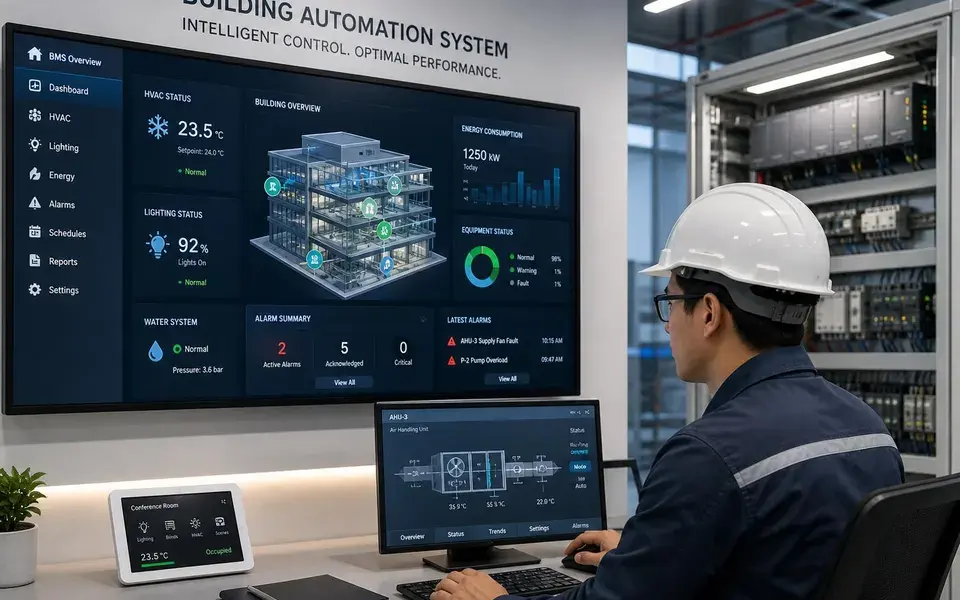
Connect sensors, meters and field devices to an existing Building Management System (BMS), allowing building data to be collected and viewed through a more centralized operating environment.

Key capabilities

DIRECT INTEGRATION

  • BACnet/IP and Modbus TCP through a compatible gateway

PLATFORM INTEGRATION

  • MQTT or API connection through an IoT platform

CONNECTIVITY

  • Wired and wireless device connectivity, including LoRaWAN

How it works

  1. COLLECT FIELD DATA

    Connected sensors and meters measure the building conditions or utility values selected for the project.

  2. CONNECT THROUGH THE GATEWAY

    The gateway or platform provides the documented integration route, such as BACnet/IP or Modbus TCP directly, or MQTT/API through an IoT platform where supported.

  3. USE DATA IN THE BMS

    The BMS displays the connected points and can coordinate configured building functions where compatible control points and permissions exist. Data collection alone does not guarantee control.

Equipment requirements

CORE DEVICES
  • Compatible Milesight sensors/meters
  • Suitable Milesight IoT gateway
  • BMS network connection
  • BMS platform configured for the selected protocol.
SITE INFRASTRUCTURE
  • BMS network access and an IP connection for the selected gateway
  • Gateway power and protocol configuration
  • Confirm the BMS points, addressing and network permissions.
AS NEEDED
IoT platform or middleware for platform-based integration, protocol conversion or additional data processing.

Integration

YES — direct BMS integration is documented. Milesight identifies BACnet/IP and Modbus TCP for gateway-to-BMS communication, plus MQTT or API through an IoT platform.

Key benefits

  • Centralized Visibility
  • Flexible Integration
  • Easier Retrofits
  • Scalable Monitoring

Where it can be used

  • Smart Buildings
  • HVAC Integration
  • Energy Management
  • Facility Management
  • Room Automation
  • Building Retrofits

Learn more at Milesight (opens the manufacturer's page in a new tab)

Smart Spaces & Buildings

HVAC Management

Improve climate control, comfort and HVAC efficiency
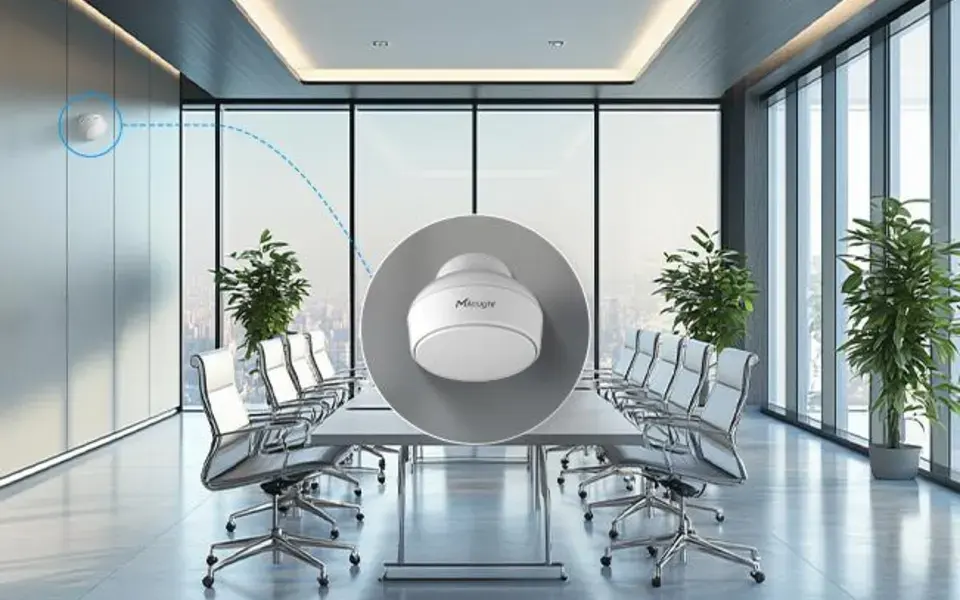
The solution

Combine smart thermostats, occupancy and environmental sensors to monitor HVAC conditions and automate temperature or ventilation strategies based on room use and operating requirements.

Key capabilities

CLIMATE CONTROL

  • Smart temperature management
  • centralized HVAC control

OCCUPANCY RESPONSE

  • Occupancy-based control
  • door/window monitoring

SYSTEM MONITORING

  • HVAC performance, energy use, pipe temperature/pressure and leak monitoring

How it works

  1. SENSE HVAC CONDITIONS

    Thermostats and selected sensors measure room temperature and other configured conditions, such as humidity, occupancy or equipment status.

  2. APPLY THE CONTROL STRATEGY

    A compatible thermostat or control system applies its configured schedule and setpoints to the connected HVAC terminal. Additional occupancy-based actions require the relevant sensors and integration.

  3. REVIEW PERFORMANCE

    Operators review operating conditions and available energy/status data, then adjust schedules or settings. Actual HVAC control depends on compatible wiring, equipment and configuration.

Equipment requirements

CORE DEVICES
  • Compatible Milesight thermostat selected for the HVAC terminal (e.g. WT101/102, WT201, WT303/304 or WT401)
  • Temperature/humidity or IAQ sensors
  • Suitable gateway or supported network connection.
SITE INFRASTRUCTURE
  • Thermostat installation and compatible HVAC terminal wiring
  • Sensor placement
  • Gateway/network connection and power as required by the selected devices.
AS NEEDED
Occupancy sensors, magnetic contacts, pipe-pressure sensors, leak sensors and current transformers for advanced control and monitoring.

Integration

YES — Milesight documents BMS/EMS integration through BACnet/Modbus using gateways. The solution also supports LoRaWAN wireless deployment and centralized management for supported devices.

Key benefits

  • Improved Comfort
  • Lower Energy Use
  • Centralized Control
  • Predictive Maintenance Support

Where it can be used

  • Office Buildings
  • Hotels
  • Residential Buildings
  • Hospitals
  • Schools
  • Retail

Learn more at Milesight (opens the manufacturer's page in a new tab)

Smart Spaces & Buildings

Indoor Air Quality

Monitor indoor conditions for healthier, more comfortable spaces
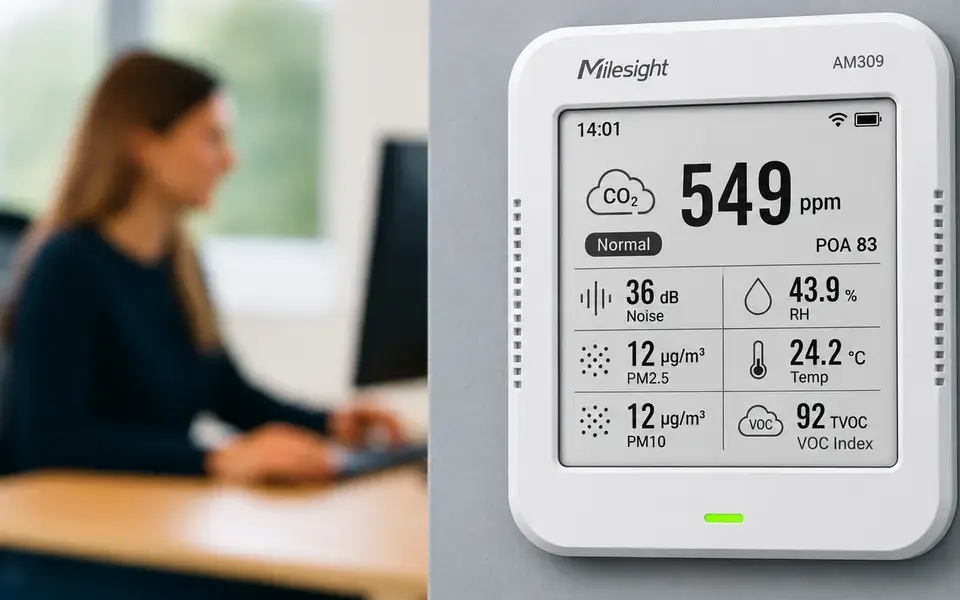
The solution

Track indoor environmental parameters such as CO₂, particulate matter, TVOC, formaldehyde, temperature and humidity to help facility teams assess air quality and optimize ventilation.

Key capabilities

AIR POLLUTANTS

  • CO₂, PM2.5, PM10, TVOC and formaldehyde monitoring where supported by the selected sensor

ENVIRONMENTAL CONDITIONS

  • Temperature and humidity monitoring

MANAGEMENT

  • Occupancy-aware insights, alerts, analytics and building-system integration

How it works

  1. MEASURE INDOOR AIR

    The selected IAQ sensor measures only the air-quality and environmental parameters specified for that model.

  2. TRANSMIT THE READINGS

    Measurements are sent through the supported network or gateway to the monitoring platform for display, trends and configured alerts.

  3. INFORM VENTILATION DECISIONS

    Facility teams use readings to investigate poor conditions and adjust ventilation strategies. Automatic ventilation requires compatible HVAC/BMS controls and a configured interface.

Equipment requirements

CORE DEVICES
  • IAQ sensor selected for the required parameters (e.g. AM102/AM103 or AM300-series model)
  • Suitable LoRaWAN gateway or supported network connection
  • Monitoring platform.
SITE INFRASTRUCTURE
  • Sensor mounting in representative occupied zones
  • Model-compatible power
  • Gateway/network coverage and backhaul to the monitoring platform.
AS NEEDED
Occupancy sensors, HVAC controls and BMS/BAS connection for automated ventilation strategies.

Integration

YES — Milesight identifies BAS integration and LoRaWAN connectivity for its IAQ solution. BMS integration options include BACnet/IP, Modbus TCP, MQTT or API through the documented architecture.

Key benefits

  • Healthier Indoor Spaces
  • Better Ventilation Decisions
  • Occupant Comfort
  • Energy-Aware HVAC

Where it can be used

  • Offices
  • Schools
  • Hospitals
  • Shopping Malls
  • Restaurants
  • Supermarkets
  • Gyms
  • Hotels

Learn more at Milesight (opens the manufacturer's page in a new tab)

Smart Spaces & Buildings

Space Occupancy

Understand how rooms, desks and shared spaces are used

The solution

Monitor occupancy in meeting rooms, workstations and shared areas to improve space planning, support workplace decisions and automate selected building functions.

Key capabilities

OCCUPANCY DETECTION

  • Room, desk and workstation presence

PEOPLE FLOW

  • People counting and space-utilization analytics

AUTOMATION

  • Occupancy-based HVAC and lighting control
  • BMS integration

How it works

  1. DETECT SPACE USE

    Occupancy sensors or people counters detect presence or people movement in the selected rooms, desks or shared areas.

  2. BUILD UTILIZATION INSIGHTS

    The platform organizes readings into occupancy and usage patterns for the monitored spaces.

  3. PLAN SPACE & SERVICES

    Facility teams use the reports to adjust room allocation, cleaning or resource planning. Lighting/HVAC automation requires compatible controls and integration.

Equipment requirements

CORE DEVICES
  • Occupancy sensors or people counters selected for the space (e.g. VS121, VS321, VS370 or suitable people-counting model)
  • Gateway/network connection
  • Occupancy dashboard or platform.
SITE INFRASTRUCTURE
  • Sensor/counter mounting at rooms, desks or monitored areas
  • Gateway/network coverage
  • Platform access and any required network cabling or power.
AS NEEDED
Environmental sensors, lighting/HVAC controls and BMS/IWMS connection.

Integration

YES — Milesight lists BMS integration and open API/MQTT/HTTP(S) connectivity for its smart-space occupancy solution. The exact method depends on the selected devices and receiving system.

Key benefits

  • Better Space Utilization
  • Improved Comfort
  • Reduced Energy Waste
  • Data-Driven Planning

Where it can be used

  • Smart Offices
  • Meeting Rooms
  • Workstations
  • Universities
  • Airports
  • Banks
  • Libraries
  • Commercial Buildings

Learn more at Milesight (opens the manufacturer's page in a new tab)

Utilities & Infrastructure

Water Management

Monitor building water systems and detect problems earlier
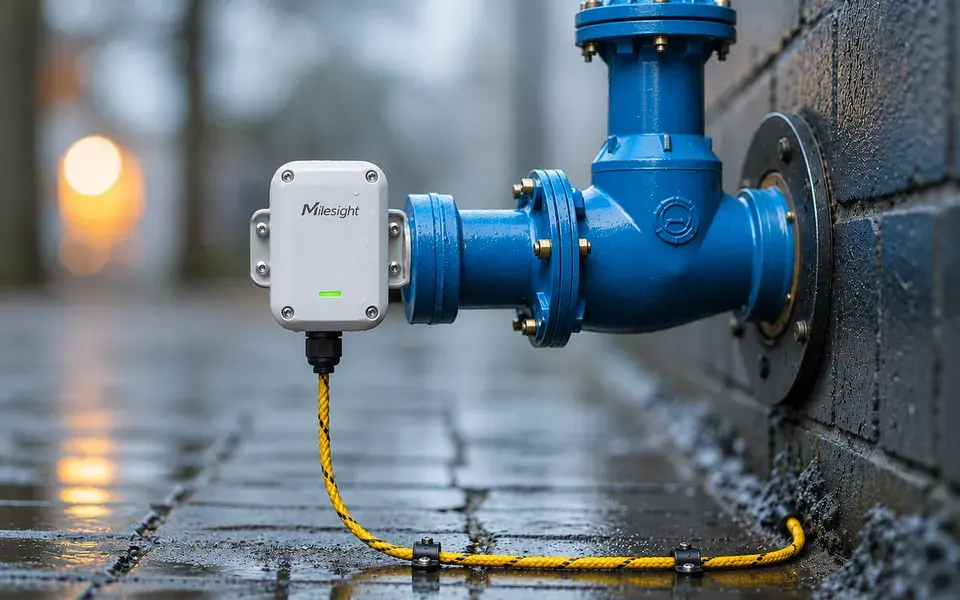
The solution

Monitor water consumption, pipeline pressure, fire-water availability and point-of-use conditions. Use real-time data and alerts to identify abnormal usage, leaks and supply issues.

Key capabilities

CONSUMPTION

  • Smart metering and real-time usage monitoring

SYSTEM CONDITION

  • Pump and pipeline pressure
  • fire-water tank level and pressure

LEAK PROTECTION

  • Leak detection and threshold-based alerts
  • compatible valve control

How it works

  1. MEASURE WATER CONDITIONS

    Selected devices measure meter pulses, pressure, tank level or leakage at the installed monitoring points.

  2. TRANSMIT THE READINGS

    LoRaWAN or another supported device connection carries readings through the gateway/network to the monitoring platform.

  3. ALERT OR CONTROL

    Operators use consumption and condition data to investigate abnormal use or leaks. Automatic valve shutoff requires a compatible controller, valve and configured control logic.

Equipment requirements

CORE DEVICES
  • EM300-DI pulse counter for compatible meter outputs
  • EM500-PP pressure sensor
  • EM500-SWL water-level sensor
  • Compatible leak sensors
  • UG-series LoRaWAN gateway.
SITE INFRASTRUCTURE
  • Sensor installation at the selected meter, pipe, tank or leak-monitoring point
  • Gateway coverage and backhaul
  • Compatible fittings and safe access where required.
AS NEEDED
  • UC300 controller and compatible solenoid valve for configured flow control or shutoff
  • Additional sensors for each monitored zone.

Integration

YES — the Milesight solution can collect water data through LoRaWAN gateways and can include controller-based valve operation. BMS integration can use the documented BACnet/IP, Modbus TCP, MQTT or API routes where required.

Key benefits

  • Reduced Water Waste
  • Earlier Leak Detection
  • Better Asset Protection
  • Improved Visibility

Where it can be used

  • Commercial Buildings
  • Smart Buildings
  • Residential Buildings
  • Hotels
  • Hospitals
  • Public Facilities

Learn more at Milesight (opens the manufacturer's page in a new tab)

Utilities & Infrastructure

Waste Management

Monitor waste-bin status and improve collection planning
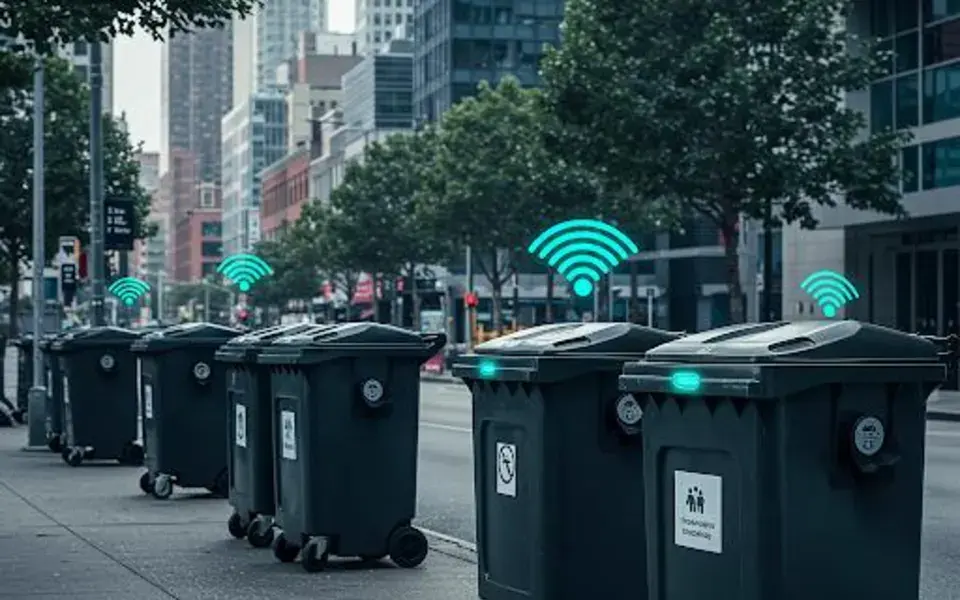
The solution

Monitor bin fill levels, lid status and selected waste-related events so collection teams can prioritize service and reduce unnecessary collection trips.

Key capabilities

FILL-LEVEL MONITORING

  • Distance-based measurement of waste-bin fill level

BIN STATUS

  • Lid status monitoring

SAFETY EVENTS

  • Waste-combustion monitoring where supported

How it works

  1. MONITOR BIN STATUS

    The selected sensor measures bin fill level or other supported conditions, such as lid status, at the installed container.

  2. TRANSMIT BIN UPDATES

    Status readings are sent through the configured network/gateway to the waste-management platform.

  3. PRIORITIZE COLLECTION

    Collection teams use fill-level information to prioritize service and plan routes. Dispatch and route execution depend on the customer’s waste-management workflow or software.

Equipment requirements

CORE DEVICES
  • Bin fill-level sensor selected for the container type (e.g. EM400-TLD for suitable small/mini-bin applications)
  • Suitable connectivity and LoRaWAN gateway
  • Waste-management platform.
SITE INFRASTRUCTURE
  • Secure sensor mounting suitable for the bin/container
  • Gateway coverage across the collection area
  • Gateway power and network/cellular backhaul.
AS NEEDED
Additional lid-status or combustion-monitoring devices and route-management software where required.

Integration

YES — Milesight documents LoRaWAN-based waste monitoring and centralized collection data. Connection to an external waste-management platform should be matched to the selected sensor, gateway and platform interface.

Key benefits

  • Smarter Collection Routes
  • Fewer Unnecessary Trips
  • Better Operational Visibility
  • Faster Alerts

Where it can be used

  • Smart Cities
  • Municipal Waste Management
  • Public Areas
  • Commercial Facilities
  • Residential Communities
  • Industrial Sites

Learn more at Milesight (opens the manufacturer's page in a new tab)

Utilities & Infrastructure

Smart Water

Connect water monitoring, leak detection and control
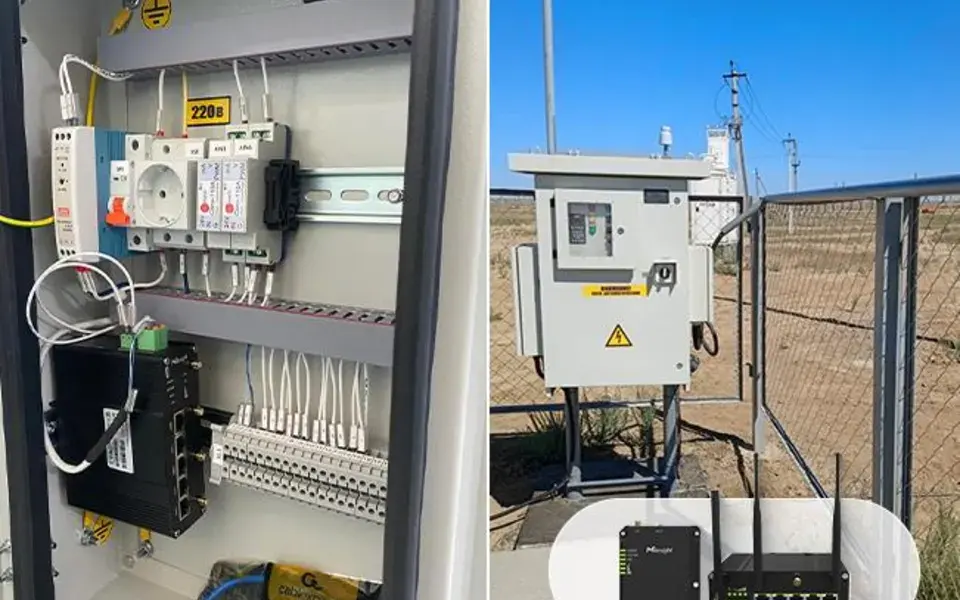
The solution

Use connected sensors and controllers to monitor water levels, consumption, leakage, pressure and irrigation conditions across buildings, utilities and outdoor environments.

Key capabilities

WATER MONITORING

  • Level, flow/consumption, pressure and metering

LEAK & SEWER MANAGEMENT

  • Leak detection and sewer-related monitoring

WATER CONTROL

  • Smart irrigation and remote control where supported

How it works

  1. MEASURE WATER POINTS

    Selected sensors monitor water level, pressure, meter pulses/consumption or leakage at the required points.

  2. CONNECT THE DATA

    Readings travel through the supported LoRaWAN or device interface to the gateway and monitoring platform.

  3. MONITOR & RESPOND

    Operators review readings and alerts. A compatible controller can operate a valve or pump only when the required hardware, interface and control logic are installed.

Equipment requirements

CORE DEVICES
  • Sensors selected for the application: water-level, pressure, leak or meter-pulse devices
  • LoRaWAN gateway
  • Monitoring platform.
SITE INFRASTRUCTURE
  • Sensor installation at the measurement points
  • Compatible pipe/meter fittings
  • Gateway coverage and backhaul
  • Controller power and control wiring only where valve/pump actuation is included.
AS NEEDED
  • UC-series controller and compatible valve/pump interface for control applications
  • Solar or external power where required.

Integration

YES — Milesight offers connected water sensors, gateways and controllers for remote monitoring. Specific third-party platform or control integration must be matched to the selected device interfaces and protocol.

Key benefits

  • Reduced Water Waste
  • Early Fault Detection
  • Remote Visibility
  • More Efficient Water Use

Where it can be used

  • Smart Cities
  • Water Utilities
  • Buildings
  • Agriculture
  • Reservoirs & Dams
  • Sewer Systems
  • Industrial Water

Learn more at Milesight (opens the manufacturer's page in a new tab)

Utilities & Infrastructure

Power Distribution Networking

Provide secure industrial connectivity for power distribution systems
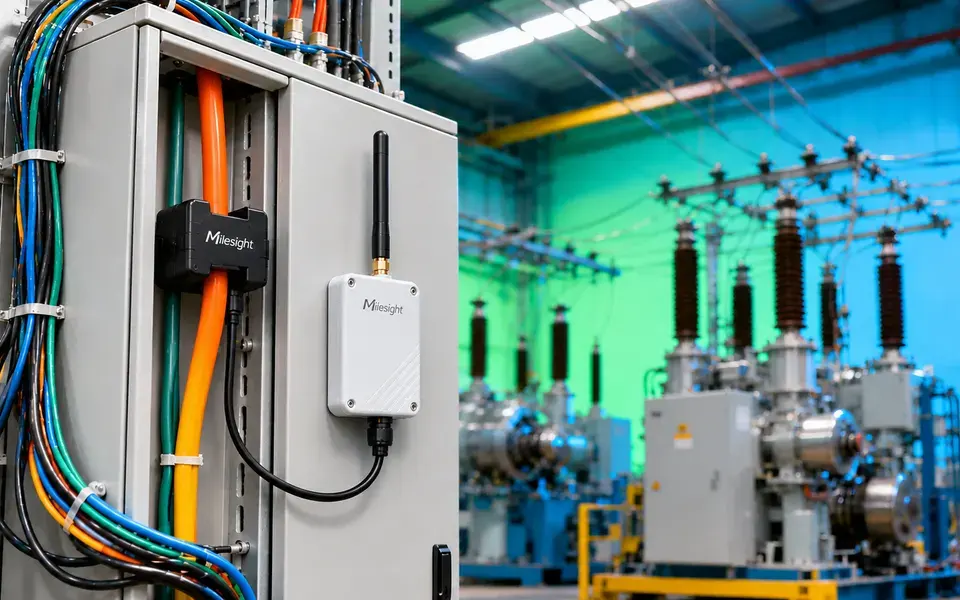
The solution

Connect distribution cabinets, smart meters and remote field equipment using industrial cellular and wired networking to support data transmission, remote access and centralized device management.

Key capabilities

CONNECTIVITY

  • 4G/5G, Ethernet and Wi-Fi options
  • dual-SIM and failover on supported models

FIELD INTERFACES

  • RS232/RS485, DI/DO and PoE options depending on router model

NETWORK & DATA

  • VPN/firewall security
  • Modbus, MQTT, TCP, HTTP and API support as documented

How it works

  1. CONNECT FIELD EQUIPMENT

    Meters and field devices connect to the selected industrial router through the Ethernet or serial interfaces available on that router model.

  2. ESTABLISH THE BACKHAUL

    The router forwards data over the configured cellular or wired WAN connection using the selected network and security settings.

  3. ENABLE REMOTE SYSTEM ACCESS

    A compatible SCADA or management system receives the transmitted data for remote monitoring. The router provides connectivity; it does not itself measure the field process.

Equipment requirements

CORE DEVICES
  • Milesight industrial cellular router selected by network and interface requirements
  • SIM/data service or wired WAN
  • Antennas and power supply
  • Ethernet/serial connections to field equipment.
SITE INFRASTRUCTURE
  • Router installation in a suitable cabinet or protected location
  • Antenna placement
  • Power
  • SIM/mobile service or wired WAN
  • Ethernet/serial connections to field equipment.
AS NEEDED
External switch, VPN configuration, cabinet accessories and protocol-specific software or SCADA interface.

Integration

YES — Milesight industrial routers document Modbus, MQTT, TCP, HTTP and API support, with serial and digital interfaces available on selected models. The exact router must be chosen against the cabinet and SCADA requirements.

Key benefits

  • Reliable Remote Connectivity
  • Easier Upgrades
  • Centralized Management
  • Scalable Networks

Where it can be used

  • Smart Grid
  • Power Distribution
  • Smart Metering
  • Distribution Automation
  • Electrical Cabinets
  • SCADA Connectivity

Learn more at Milesight (opens the manufacturer's page in a new tab)

Utilities & Infrastructure

Smart Industrial Energy

Monitor industrial energy assets and improve operational visibility

The solution

Connect sensors, controllers and industrial networking to monitor energy infrastructure and critical cabinet or substation conditions, helping operators identify abnormalities and improve reliability.

Key capabilities

ASSET CONDITION

  • Temperature, humidity, smoke, water-leak and door-status monitoring

ENERGY INFRASTRUCTURE

  • Remote substation monitoring and distribution automation

CONNECTIVITY & CONTROL

  • LoRaWAN, industrial routers, remote monitoring and control

How it works

  1. MONITOR ASSET CONDITIONS

    Selected sensors and connected field devices measure the cabinet, substation or energy-system conditions included in the design.

  2. TRANSMIT DATA TO OPERATIONS

    A suitable gateway or industrial router carries readings and field data to the central platform or SCADA system.

  3. REVIEW & RESPOND

    Operators use trends and alerts to investigate abnormalities and coordinate maintenance. Remote control is available only where the field equipment and interface support it.

Equipment requirements

CORE DEVICES
  • Application-specific environmental sensors and power/field devices
  • Suitable LoRaWAN gateway or industrial router
  • Edge controller where local automation is required
  • Monitoring/SCADA platform.
SITE INFRASTRUCTURE
  • Sensor and field-device installation at cabinets/substations
  • Protected power and network/backhaul for the gateway/router
  • Suitable cabinet access and environmental protection.
AS NEEDED
Serial communications, VPN, redundant connectivity and additional sensors based on the monitored cabinet or substation.

Integration

YES — Milesight documents industrial router connectivity to SCADA and support for industrial protocols in relevant applications. The exact protocol and control capability depend on the selected router, controller and field equipment.

Key benefits

  • Better Asset Visibility
  • Earlier Fault Detection
  • Remote Monitoring
  • Improved Reliability

Where it can be used

  • Industrial Facilities
  • Power Distribution
  • Substations
  • Power Cabinets
  • Solar & Wind Energy
  • Smart Grid

Learn more at Milesight (opens the manufacturer's page in a new tab)

Industry & Operations

Cold Chain Temp Monitoring

Protect temperature-sensitive products throughout storage and transport

The solution

Continuously monitor temperature and humidity across cold rooms, refrigerators, warehouses and refrigerated transport. Receive alerts when conditions move outside configured limits.

Key capabilities

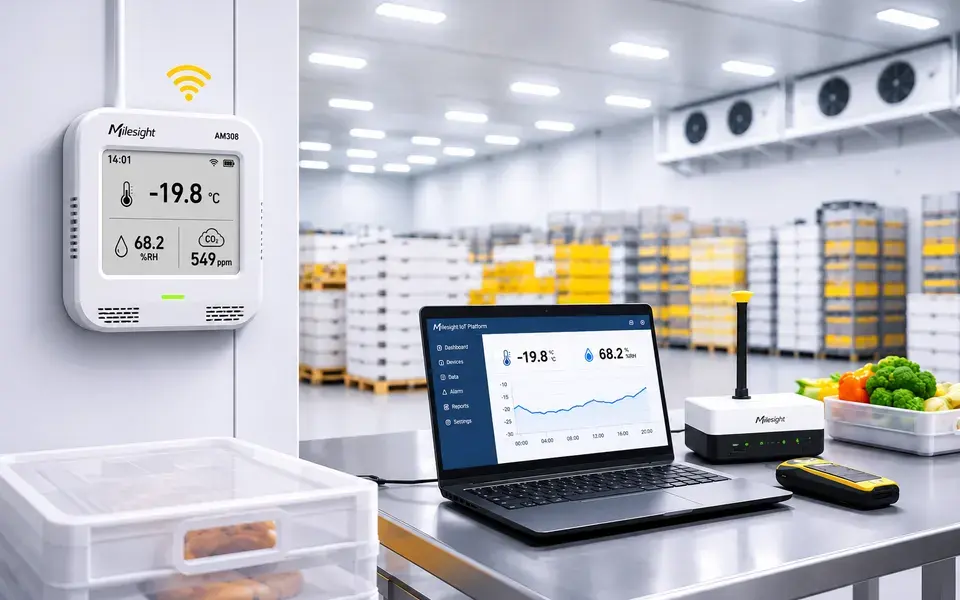
TEMPERATURE & HUMIDITY

  • Continuous environmental monitoring

COLD-CHAIN VISIBILITY

  • Cold storage and refrigerated-transport monitoring

TRACEABILITY & ALERTS

  • Door-opening detection, abnormal-condition alerts and centralized records

How it works

  1. MEASURE STORAGE CONDITIONS

    Temperature/humidity sensors or probes monitor the selected cold-room, refrigerator, warehouse or transport locations.

  2. TRANSMIT & RECORD

    Readings are sent through the configured gateway/network to the platform, creating condition records for the monitored points.

  3. ALERT & INTERVENE

    Configured threshold alerts notify responsible staff so they can investigate and correct excursions. The monitoring system reports conditions; it does not itself restore the required temperature.

Equipment requirements

CORE DEVICES
  • Temperature/humidity sensor selected for the measurement range and environment (e.g. EM300-TH or compatible TS-series sensor)
  • LoRaWAN gateway or supported transport connectivity
  • Monitoring platform.
SITE INFRASTRUCTURE
  • Sensor placement or probe installation in each monitored storage/transport zone
  • Gateway coverage and backhaul
  • Power/network access for gateway and platform.
AS NEEDED
External probes such as PT100 sensors, door sensors and additional gateways for distributed storage or transport locations.

Integration

YES — Milesight documents LoRaWAN-based cold-chain monitoring with gateways and centralized alerts. External system integration must be matched to the selected platform and supported interface.

Key benefits

  • Reduced Spoilage Risk
  • Better Product Quality
  • Faster Alerts
  • Improved Traceability

Where it can be used

  • Food & Beverage
  • Pharmaceuticals
  • Vaccines
  • Medical & Biotech
  • Cold Storage
  • Refrigerated Trucks
  • Retail Refrigerators

Learn more at Milesight (opens the manufacturer's page in a new tab)

Retail Intelligence

Conversion Rate

Connect store footfall data to better retail decisions
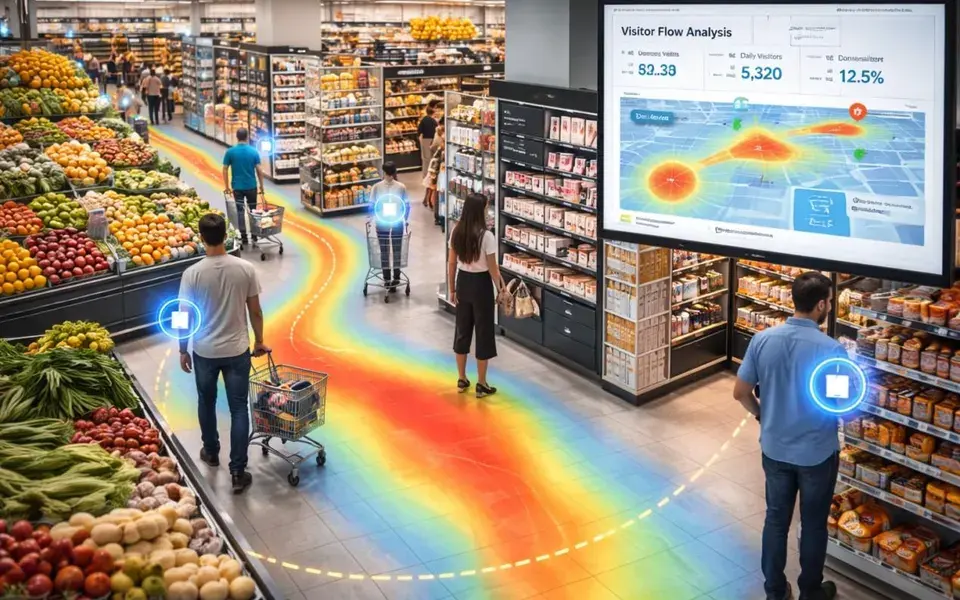
The solution

Use people-counting and in-store analytics to understand visitor traffic, compare store performance and assess how operational or marketing changes relate to customer flow.

Key capabilities

FOOTFALL ANALYTICS

  • Visitor counting and traffic patterns

CUSTOMER BEHAVIOUR

  • Visitor behaviour insights and staff/visitor differentiation where supported

PERFORMANCE INSIGHTS

  • Real-time data and analysis to support conversion improvement

How it works

  1. COUNT STORE VISITORS

    People counters measure footfall at the selected store entrances or zones.

  2. COMBINE WITH SALES DATA

    Footfall reports show visitor volume. A conversion-rate calculation additionally requires compatible POS/sales data, aligned time periods and an agreed conversion definition.

  3. EVALUATE STORE PERFORMANCE

    Retail teams compare visitor volume with sales results to assess performance or campaigns. People counting alone does not calculate sales conversion.

Equipment requirements

CORE DEVICES
  • People counter selected for entrances and relevant zones (e.g. VS125 or another suitable people-sensing model)
  • Network connection
  • Retail analytics platform.
SITE INFRASTRUCTURE
  • Counter mounting at selected store entrances/zones
  • Model-compatible power and network connection
  • Platform access
  • Confirm consistent counting boundaries and reporting periods.
AS NEEDED
POS or business-data connection for conversion calculations, where a compatible integration is available and configured.

Integration

YES — Milesight provides people-counting data and open API/MQTT/HTTP(S) options in its people-counting solution. A POS or sales-system connection requires a separately confirmed interface and data mapping.

Key benefits

  • Better Store Insights
  • Smarter Staffing
  • Campaign Evaluation
  • Data-Driven Decisions

Where it can be used

  • Retail Stores
  • Shopping Malls
  • Supermarkets
  • Department Stores
  • Boutiques
  • Commercial Spaces

Learn more at Milesight (opens the manufacturer's page in a new tab)

Retail Intelligence

Store Layout

Use shopper movement insights to improve store layouts
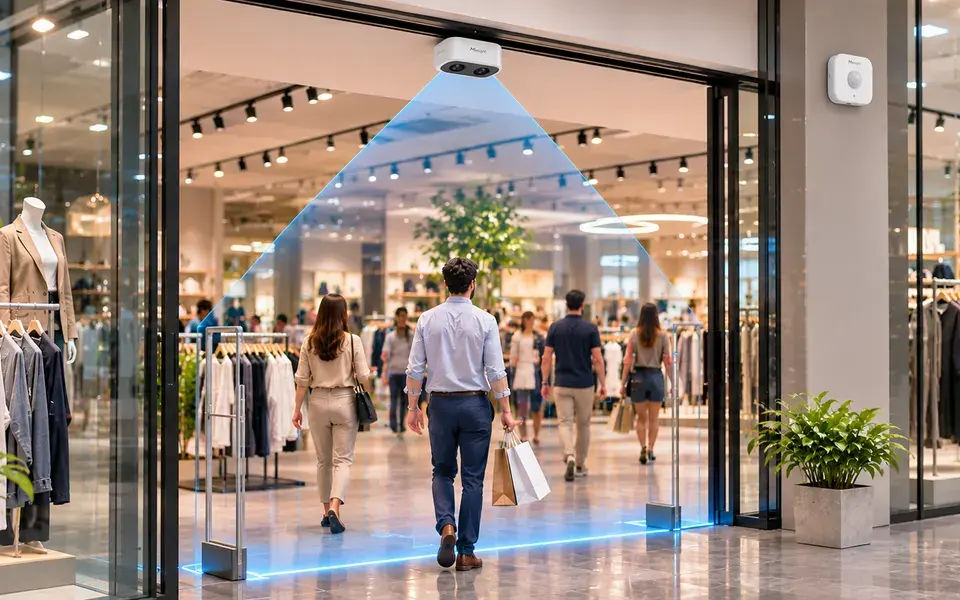
The solution

Analyze footfall, movement patterns and dwell time across store zones to identify high- and low-traffic areas and support better product placement and customer flow.

Key capabilities

MOVEMENT ANALYSIS

  • Footfall monitoring and customer journey insights

ZONE PERFORMANCE

  • Heat maps, dwell time and high/low traffic identification

OPERATIONAL PLANNING

  • Customer-flow and staff-allocation insights

How it works

  1. CAPTURE SHOPPER MOVEMENT

    People-sensing devices collect visitor counts and supported movement or dwell information in selected store zones.

  2. IDENTIFY ZONE PATTERNS

    Analytics organize the readings into heat maps or zone comparisons where supported, highlighting higher- and lower-traffic areas.

  3. REFINE STORE LAYOUT

    Merchandising teams use the patterns to test product placement and customer-flow changes. The system supplies evidence; layout changes are business decisions.

Equipment requirements

CORE DEVICES
  • People-counting or people-sensing devices selected for entrances and zones
  • Network/gateway connection as required
  • Analytics platform capable of presenting the required zone or heat-map information.
SITE INFRASTRUCTURE
  • Counter/sensor mounting across selected store zones
  • Network/gateway coverage
  • Platform access
  • Consistent zone mapping for comparison.
AS NEEDED
Additional sensors for separate zones and external business data for deeper analysis, where supported.

Integration

YES — Milesight provides people-sensing data for retail analytics and documents open API/MQTT/HTTP(S) connectivity in its people-counting solution. Confirm the exact analytics output and external-platform interface for the selected device.

Key benefits

  • Smarter Product Placement
  • Better Customer Flow
  • Improved Space Planning
  • Data-Driven Merchandising

Where it can be used

  • Retail Stores
  • Shopping Malls
  • Supermarkets
  • Department Stores
  • Boutiques
  • Visual Merchandising

Learn more at Milesight (opens the manufacturer's page in a new tab)

Retail Intelligence

Store Location Performance

Compare locations using external pedestrian traffic trends
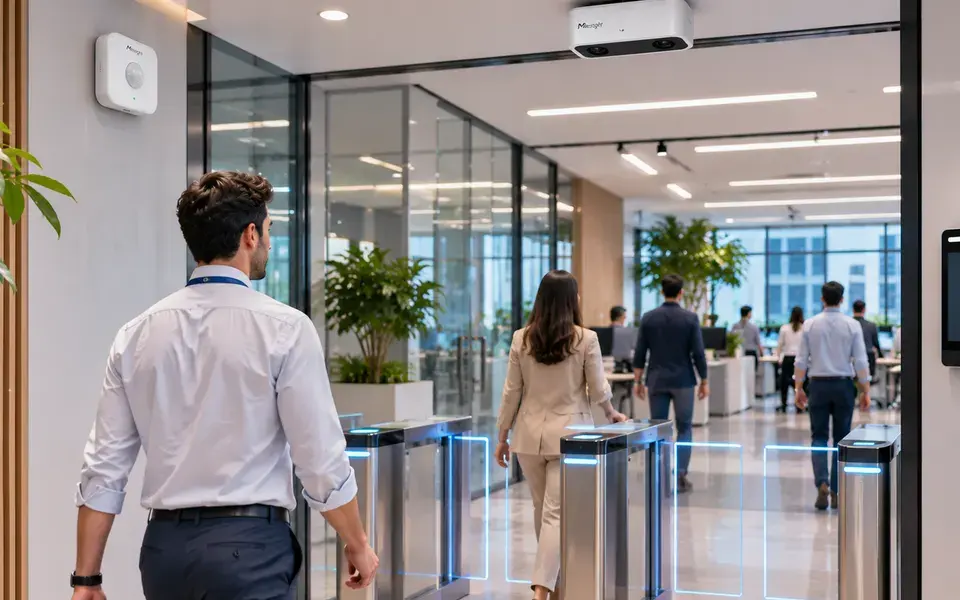
The solution

Monitor pedestrian traffic around storefronts and retail areas to understand external footfall patterns and support location comparison and site-selection decisions.

Key capabilities

EXTERNAL FOOTFALL

  • Outdoor pedestrian traffic monitoring

TREND ANALYSIS

  • Traffic patterns and peak-period identification

LOCATION COMPARISON

  • Performance analysis to support site selection and workforce planning

How it works

  1. MONITOR EXTERNAL FOOTFALL

    A suitable outdoor people counter measures pedestrian activity around the selected storefront or retail location.

  2. ANALYZE TRAFFIC TRENDS

    The platform organizes measurements into traffic patterns and peak periods for the monitored location.

  3. COMPARE LOCATIONS

    Retail planners use comparable traffic data alongside rent, sales and other business factors when assessing sites. The sensor does not independently determine site suitability.

Equipment requirements

CORE DEVICES
  • Outdoor footfall sensor selected for the location and mounting conditions (e.g. VS361 where suitable)
  • Power/network connection as required
  • Analytics platform.
SITE INFRASTRUCTURE
  • Outdoor sensor mounting with suitable exposure and protection
  • Model-compatible power/network
  • Gateway or cellular/IP backhaul as supported by the selected device.
AS NEEDED
Multiple sensors for comparing locations and additional data sources for broader site analysis.

Integration

YES — Milesight offers outdoor people-counting products for storefront traffic trends. For external reporting platforms, use the selected device’s documented data interface and confirm the receiving system before deployment.

Key benefits

  • Better Site Selection
  • External Traffic Insights
  • Smarter Workforce Planning

Where it can be used

  • Storefronts
  • Retail Stores
  • Shopping Malls
  • Commercial Areas
  • High Streets
  • Outdoor Retail Areas

Learn more at Milesight (opens the manufacturer's page in a new tab)

Retail Intelligence

Staff Management

Align staff availability with customer demand
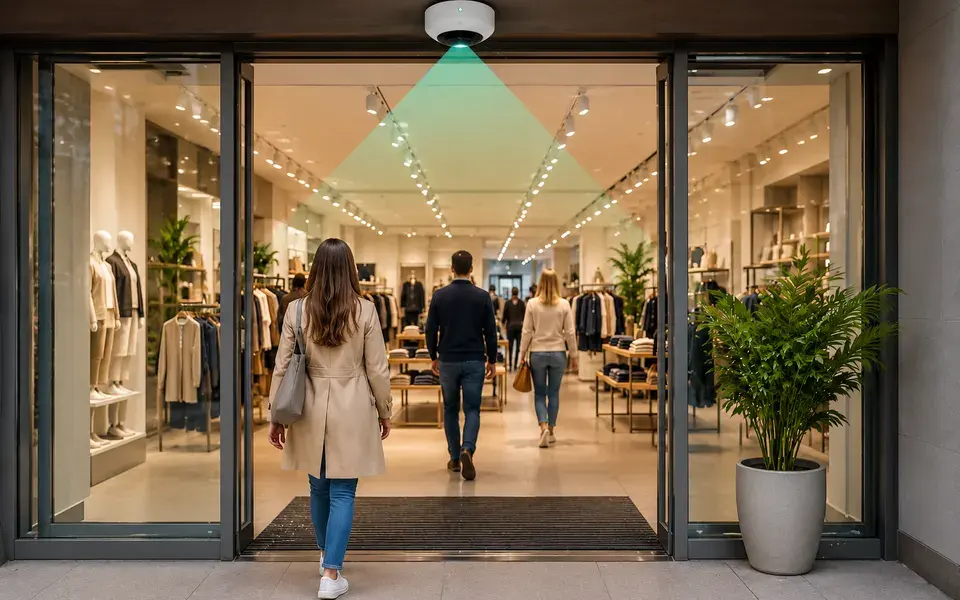
The solution

Use footfall and zone-traffic data to identify peak periods and high-demand areas, helping retailers plan staff allocation around actual customer activity.

Key capabilities

FOOTFALL MONITORING

  • Accurate people counting and traffic analysis

DEMAND PATTERNS

  • Peak-period and zone-traffic identification

WORKFORCE PLANNING

  • Staff-allocation optimization and operational insights

How it works

  1. MEASURE CUSTOMER FLOW

    People counters record visitor activity at selected entrances and store areas.

  2. IDENTIFY PEAK DEMAND

    Reports show busy periods and higher-traffic zones, helping teams understand when and where customer demand increases.

  3. PLAN STAFF COVERAGE

    Managers use the trends to adjust staffing plans and service coverage. Actual staff scheduling remains an operational decision unless a separate workforce system is integrated.

Equipment requirements

CORE DEVICES
  • People counter at relevant entrances or zones
  • Suitable network connection
  • Analytics platform for footfall and traffic reports.
SITE INFRASTRUCTURE
  • Counter/sensor placement at entrances and relevant zones
  • Network/gateway coverage
  • Platform access for historical and peak-period reporting.
AS NEEDED
Additional zone counters and workforce/scheduling platform connection where a compatible interface is available.

Integration

YES — Milesight provides the footfall data needed for staffing analysis. Open API/MQTT/HTTP(S) integration is listed for its people-counting solution; connection to a workforce platform depends on its supported interface.

Key benefits

  • Smarter Staff Scheduling
  • Better Service Efficiency
  • Improved Customer Experience

Where it can be used

  • Retail Stores
  • Supermarkets
  • Shopping Malls
  • Department Stores
  • Boutiques
  • Store Operations

Learn more at Milesight (opens the manufacturer's page in a new tab)

Retail Intelligence

Customer Demographic

Understand shopper groups and in-store demographics

The solution

Use AI-powered people-counting analytics to understand selected customer attributes and group composition, supporting more informed merchandising and marketing decisions.

Key capabilities

DEMOGRAPHIC INSIGHTS

  • Gender and adult/child differentiation where supported

GROUP ANALYSIS

  • Group recognition and buying-unit insights where supported

RETAIL ANALYTICS

  • Footfall, heat maps and visitor behaviour

How it works

  1. CAPTURE SUPPORTED ATTRIBUTES

    The selected AI people counter detects and counts visitors and generates only the demographic attributes supported by that model and configuration.

  2. SUMMARIZE GROUP PATTERNS

    The analytics platform organizes supported attributes into aggregate reports for the monitored location.

  3. INFORM RETAIL DECISIONS

    Retail teams use aggregate trends to inform merchandising or campaign planning. Available fields vary by device; the data does not identify individual customers unless a separate, explicitly supported system is used.

Equipment requirements

CORE DEVICES
  • AI people counter selected for the required analytics and installation conditions (e.g. VS125 family where the required attributes are supported)
  • Network connection
  • Analytics platform.
SITE INFRASTRUCTURE
  • AI counter mounting and network connection
  • Gateway/platform access where required
  • Confirm the selected model supports the exact demographic fields intended for use.
AS NEEDED
Additional counters for multiple entrances/zones and business-data integration where required.

Integration

YES — Milesight supports people-counting analytics and documents open API/MQTT/HTTP(S) connectivity for its people-counting solution. Available demographic fields depend on the selected device and software.

Key benefits

  • Better Customer Understanding
  • Smarter Merchandising
  • More Relevant Marketing
  • Improved Planning

Where it can be used

  • Retail Stores
  • Shopping Malls
  • Supermarkets
  • Department Stores
  • Boutiques
  • Campaign Analysis

Learn more at Milesight (opens the manufacturer's page in a new tab)

Retail Intelligence

Queue Management

Monitor queue pressure and improve service flow

The solution

Use people-counting and zone-traffic data to monitor congestion and peak customer activity around checkout and service areas, helping teams allocate staff and improve service efficiency.

Key capabilities

QUEUE & CONGESTION

  • Real-time people counting and zone monitoring

TRAFFIC INSIGHTS

  • Peak-period identification, heat-map visualization and customer-flow analysis

OPERATIONAL RESPONSE

  • Staff-allocation optimization and service planning

How it works

  1. MONITOR QUEUE ZONES

    People counters or sensors monitor activity in checkout and service areas using the configured counting lines or zones.

  2. IDENTIFY CONGESTION

    The platform uses counts and zone-traffic patterns to show busy periods and potential queue pressure where the solution supports those analytics.

  3. ADJUST SERVICE CAPACITY

    Managers can redeploy staff or change service arrangements based on the information. Queue displays or automated alerts require compatible external outputs and configuration.

Equipment requirements

CORE DEVICES
  • People counters or occupancy sensors selected for queue and service zones
  • Network/gateway connection as required
  • Analytics platform.
SITE INFRASTRUCTURE
  • People counters/sensors positioned at queue and service zones
  • Network/gateway coverage
  • Platform access
  • External displays or alert outputs only if included in the design.
AS NEEDED
Queue displays, alert outputs or workforce-system connection where required and supported.

Integration

YES — Milesight provides people-counting and zone-traffic data for queue insights. Open API/MQTT/HTTP(S) options are documented for the people-counting solution; any external queue display or workforce integration must be confirmed separately.

Key benefits

  • Better Queue Visibility
  • Smarter Staffing
  • Improved Service Flow
  • Reduced Waiting Pressure

Where it can be used

  • Retail Stores
  • Supermarkets
  • Shopping Malls
  • Checkout Areas
  • Self-Checkout Zones
  • Service Counters

Learn more at Milesight (opens the manufacturer's page in a new tab)

Solutions by Industry

Smart Building

Connect building systems through people-centric sensing
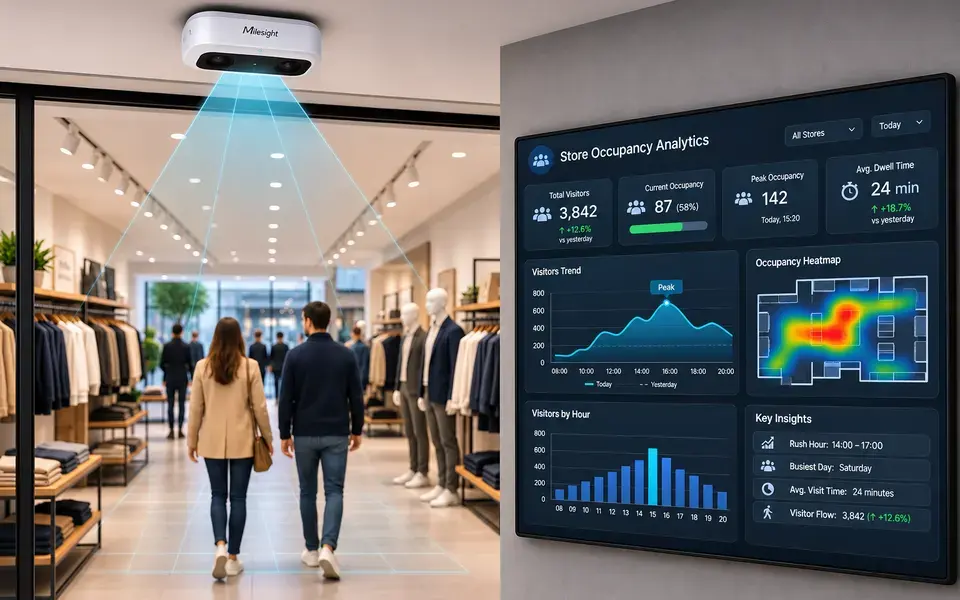
The solution

Combine occupancy, environmental and facility data to improve space utilization, energy management and day-to-day building operations.

Key capabilities

OCCUPANCY & SPACE

  • People sensing, room occupancy and space utilization

BUILDING CONDITIONS

  • Environmental and facility monitoring

AUTOMATION & MANAGEMENT

  • Connected building devices, centralized monitoring and selected automation

How it works

  1. SENSE BUILDING CONDITIONS

    Connected sensors monitor occupancy, environmental conditions and selected facility events across the building.

  2. CONNECT TO BUILDING SYSTEMS

    Gateways and the selected platform deliver the readings to a BMS using a supported direct or platform-based integration route.

  3. COORDINATE BUILDING OPERATIONS

    Facility teams use centralized information for space and energy decisions. HVAC/lighting automation requires compatible controllers, BMS points and configured rules.

Equipment requirements

CORE DEVICES
  • Sensors selected for occupancy, IAQ, temperature/humidity, water and facility conditions
  • Suitable LoRaWAN gateway or network
  • Building management platform.
SITE INFRASTRUCTURE
  • Sensor mounting across building zones
  • Gateway and IP network backbone
  • BMS network access
  • Power and backhaul for gateways/controllers as required.
AS NEEDED
Controllers, smart thermostats, meters and BMS connection based on the building functions required.

Integration

YES — Milesight documents BMS integration through BACnet/IP or Modbus TCP via a gateway, or MQTT/API through an IoT platform. The selected architecture determines the integration route.

Key benefits

  • Better Space Utilization
  • Energy Efficiency
  • Improved Comfort
  • Centralized Visibility

Where it can be used

  • Smart Buildings
  • Offices
  • Commercial Facilities
  • Healthcare
  • Education
  • Multi-site Properties

Learn more at Milesight (opens the manufacturer's page in a new tab)

Solutions by Industry

Smart Retail

Turn shopper movement into actionable retail insights
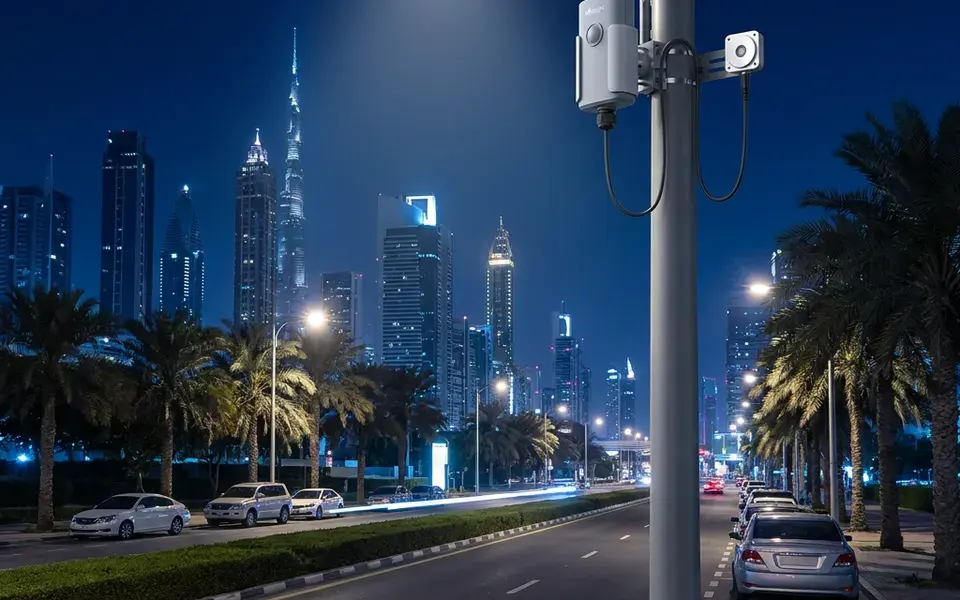
The solution

Combine people counting and retail analytics to understand customer flow, occupancy and behaviour, helping retailers optimize store operations and customer experience.

Key capabilities

FOOTFALL & OCCUPANCY

  • People counting and visitor-flow monitoring

SHOPPER INSIGHTS

  • Dwell time, heat maps and customer attributes where supported

RETAIL OPERATIONS

  • Queue monitoring, staffing and store-layout insights

How it works

  1. CAPTURE SHOPPER FLOW

    People counters monitor entrances and selected store zones, generating footfall and supported visitor-flow data.

  2. ANALYZE RETAIL ACTIVITY

    The analytics platform organizes counts and supported movement/occupancy data into store reports. POS linkage is separately required for sales-conversion analysis.

  3. IMPROVE STORE OPERATIONS

    Retail teams use the reports to plan staffing, layout and service. These are business decisions; external POS or workforce actions require compatible integration.

Equipment requirements

CORE DEVICES
  • People counters selected for entrances, storefronts and internal zones
  • Network connection
  • Retail analytics platform.
SITE INFRASTRUCTURE
  • People-counter placement at entrances and selected store zones
  • Network/gateway coverage
  • Analytics platform access
  • Separate POS/business-system interface if conversion analysis is required.
AS NEEDED
Additional zone sensors and POS/business-data integration where compatible and required.

Integration

YES — Milesight provides people-counting analytics and documents MQTT/HTTP(S) and open API connectivity for the people-counting solution. POS or other business-system integration requires interface confirmation.

Key benefits

  • Better Customer Experience
  • Smarter Store Operations
  • Improved Staffing
  • Data-Driven Decisions

Where it can be used

  • Retail Stores
  • Shopping Malls
  • Supermarkets
  • Airports
  • Commercial Spaces

Learn more at Milesight (opens the manufacturer's page in a new tab)

Solutions by Industry

Smart City

Connect city infrastructure and improve operational visibility
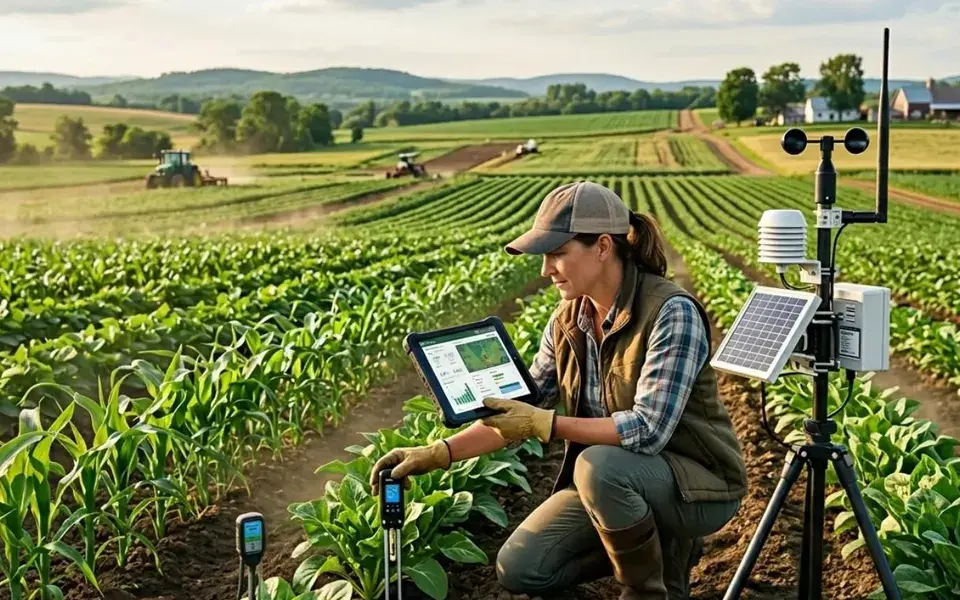
The solution

Use connected sensors, gateways and industrial routers to collect data from urban infrastructure and support more informed management of utilities, public spaces and city services.

Key capabilities

URBAN MONITORING

  • Environmental and infrastructure sensing

UTILITIES & SERVICES

  • Water, waste, parking and other connected applications

CONNECTIVITY

  • LoRaWAN gateways and industrial cellular routers

How it works

  1. DEPLOY FIELD SENSORS

    Application-specific sensors are installed at the infrastructure points or public areas selected for monitoring.

  2. CONNECT REMOTE LOCATIONS

    LoRaWAN gateways or industrial routers collect or transport data using the network supported by the selected devices and site design.

  3. SUPPORT CITY OPERATIONS

    A compatible city or IoT platform presents the data so service teams can investigate conditions and coordinate responses. Each application needs its own suitable sensors and integration.

Equipment requirements

CORE DEVICES
  • Application-specific IoT sensors
  • LoRaWAN gateway or industrial router
  • Network/backhaul
  • Central IoT platform or city-management system.
SITE INFRASTRUCTURE
  • Outdoor sensor/device mounting and suitable enclosure/protection
  • Gateway/router location, power and backhaul
  • Cellular or wired connectivity according to the selected architecture.
AS NEEDED
Solar gateway, cellular failover, controllers and additional application sensors according to the city service.

Integration

YES — Milesight offers multiple connectivity routes, including LoRaWAN gateways and industrial routers. Specific city-platform integration depends on the selected devices and supported protocols; documented options include MQTT, HTTP, Modbus and API on relevant products.

Key benefits

  • Real-Time Monitoring
  • Smarter Resource Management
  • Improved Public Services
  • Scalable Connectivity

Where it can be used

  • Smart Buildings
  • Utilities
  • Public Safety
  • Smart Parking
  • Environmental Monitoring
  • Industrial Sites
  • Logistics

Learn more at Milesight (opens the manufacturer's page in a new tab)

Solutions by Industry

Smart Agriculture

Use field data to improve irrigation and farm management
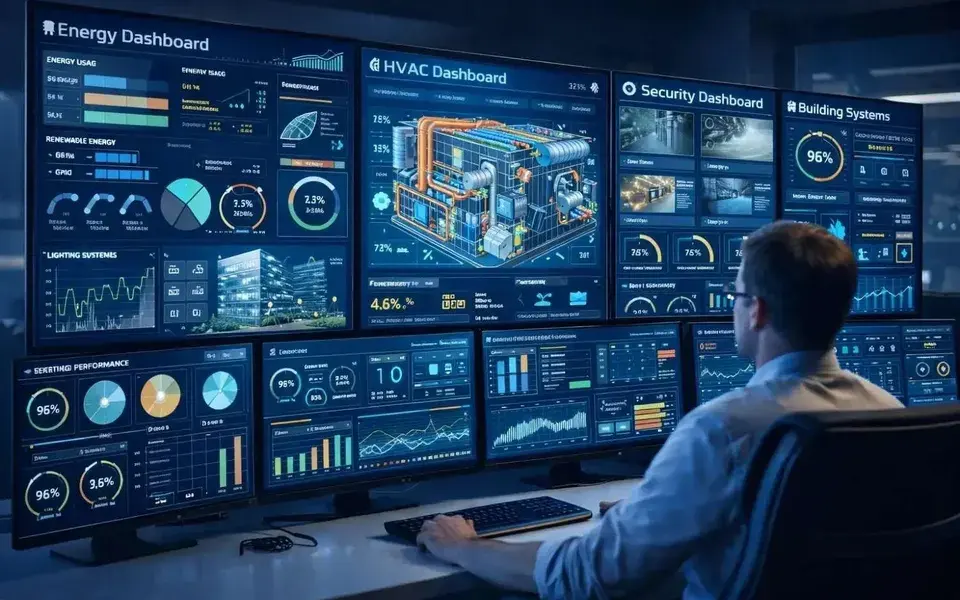
The solution

Connect soil, weather and environmental sensors with irrigation controllers to monitor growing conditions and support more efficient agricultural operations.

Key capabilities

CROP & SOIL MONITORING

  • Soil moisture, temperature and electrical conductivity

ENVIRONMENTAL MONITORING

  • Weather, light, temperature, humidity and CO₂ where supported

IRRIGATION & ASSETS

  • Water-level monitoring, valve control and asset tracking

How it works

  1. MONITOR FIELD CONDITIONS

    Selected soil, weather and water sensors measure the growing conditions and resources included in the farm design.

  2. TRANSMIT FIELD READINGS

    A suitable gateway sends sensor data to the monitoring platform for trends, alerts and remote visibility.

  3. SUPPORT IRRIGATION ACTION

    Farm teams use readings to plan irrigation. Automated valve operation requires a compatible UC51x controller, valve and configured control strategy.

Equipment requirements

CORE DEVICES
  • Application-specific sensors such as EM500-SMTC soil sensor, WTS50x weather station, EM500-SWL water-level sensor and suitable LoRaWAN gateway
  • UC51x valve controller where irrigation control is required.
SITE INFRASTRUCTURE
  • Outdoor sensor mounting and placement across field zones
  • Gateway coverage and backhaul
  • Power for gateway/controller
  • Compatible valve/pump wiring where automated irrigation is required.
AS NEEDED
AT101 asset tracker, light/CO₂ sensors and additional controllers for multiple irrigation zones.

Integration

YES — Milesight documents LoRaWAN sensors, outdoor gateways and UC51x solenoid-valve controllers for agricultural applications. External farm-platform integration depends on the selected gateway and platform interface.

Key benefits

  • Better Resource Use
  • More Efficient Irrigation
  • Remote Monitoring
  • Reduced Manual Checks

Where it can be used

  • Farms
  • Greenhouses
  • Smart Irrigation
  • Livestock Management
  • Agricultural Facilities
  • Weather Monitoring

Learn more at Milesight (opens the manufacturer's page in a new tab)

Solutions by Industry

Facility Management

Bring facility conditions into one operational view
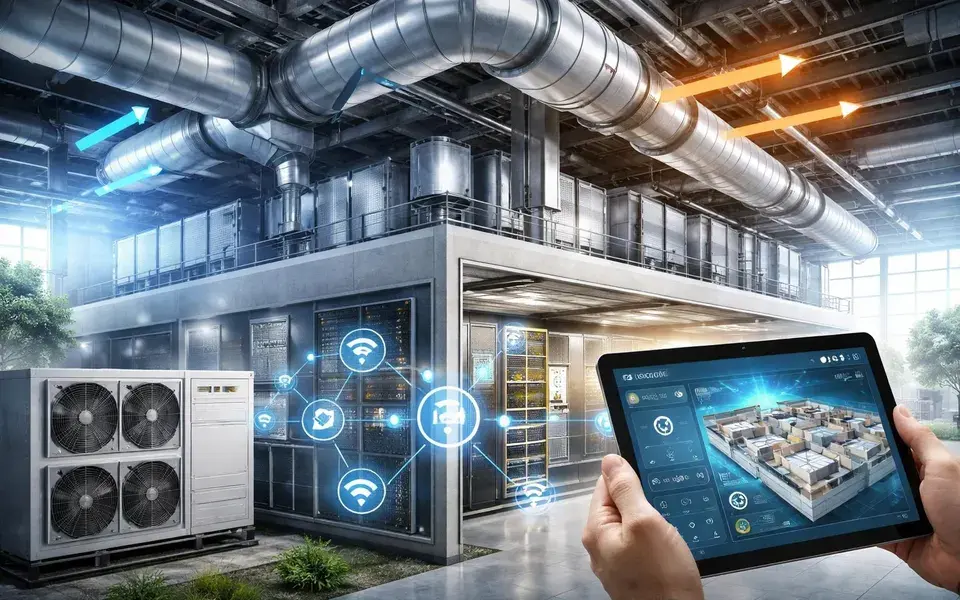
The solution

Combine connected sensors and monitoring systems to help facility teams manage comfort, safety, utilities and building assets more efficiently.

Key capabilities

BUILDING CONDITIONS

  • HVAC, IAQ, temperature and humidity monitoring

UTILITIES

  • Energy, metering, water and leak monitoring

SPACE & SAFETY

  • Occupancy, facility protection and restroom management

How it works

  1. COLLECT FACILITY DATA

    Selected sensors monitor HVAC, air quality, temperature, humidity, energy, water, occupancy or other facility conditions.

  2. CENTRALIZE THE INFORMATION

    A suitable gateway/platform or BMS integration brings supported readings into a common operational view.

  3. PRIORITIZE FACILITY WORK

    Teams use alerts and trends to coordinate maintenance and facility actions. Equipment control or predictive-maintenance functions require the relevant compatible devices, data and integration.

Equipment requirements

CORE DEVICES
  • Sensors selected for HVAC, IAQ, energy, water, occupancy and facility conditions
  • Suitable gateway
  • Central management platform.
SITE INFRASTRUCTURE
  • Sensor placement across facility zones and assets
  • Gateway/network backbone
  • BMS access and power/backhaul for network equipment
  • Confirm interfaces for each monitored system.
AS NEEDED
Controllers, meters, BMS connection and additional automation devices according to facility scope.

Integration

YES — Milesight documents direct BMS integration using BACnet/IP or Modbus TCP, and platform-based integration using MQTT or API. The interface depends on the existing BMS and selected gateway/platform.

Key benefits

  • Improved Safety
  • Better Comfort
  • Lower Operating Costs
  • Predictive Maintenance Support

Where it can be used

  • Commercial Buildings
  • Offices
  • Hospitals
  • Residential Buildings
  • Theaters
  • Smart Facilities

Learn more at Milesight (opens the manufacturer's page in a new tab)

Solutions by Industry

Energy Management

Make building energy use visible and easier to optimize
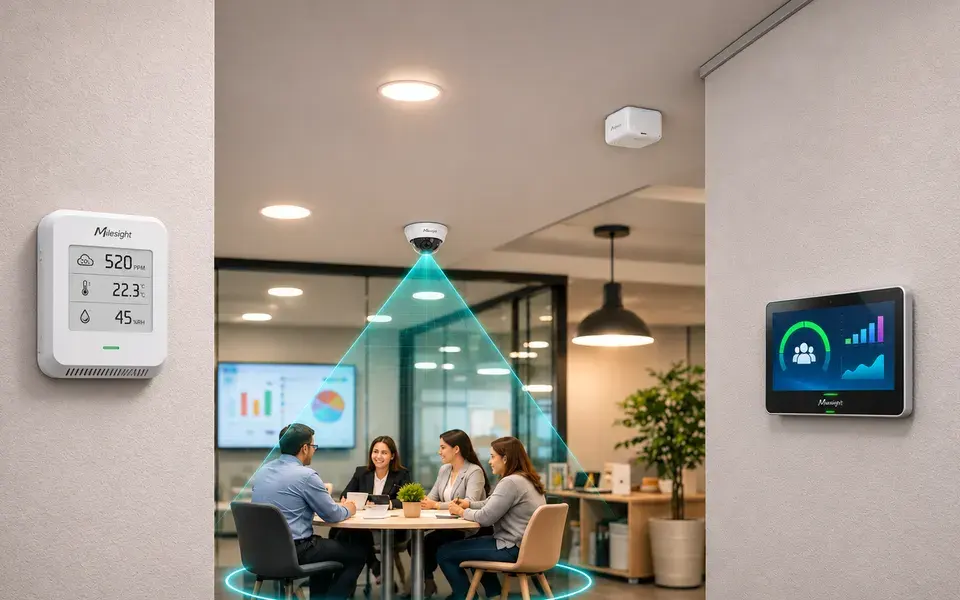
The solution

Monitor energy and environmental conditions and use occupancy-aware automation to identify waste, improve building efficiency and support better energy decisions.

Key capabilities

ENERGY VISIBILITY

  • Real-time energy monitoring and usage analysis

BUILDING AUTOMATION

  • HVAC and lighting control
  • occupancy-based temperature strategies

OPTIMIZATION

  • Peak-load management, equipment monitoring and predictive maintenance support

How it works

  1. MEASURE ENERGY & CONDITIONS

    Suitable meters or current transformers collect energy-use data, while occupancy/environmental sensors provide context for the monitored spaces.

  2. ANALYZE CONSUMPTION

    The energy platform or BMS combines available readings to identify usage patterns and potential waste.

  3. OPTIMIZE BUILDING OPERATION

    Facility teams adjust schedules and investigate inefficient loads. Automated HVAC/lighting changes require compatible controllers and a configured BMS/EMS integration.

Equipment requirements

CORE DEVICES
  • Suitable energy meters or current transformers
  • Occupancy and environmental sensors
  • Compatible gateway/controller
  • Energy-management platform.
SITE INFRASTRUCTURE
  • Meter/current-transformer installation by qualified personnel as applicable
  • Sensor and gateway/controller power
  • BMS/EMS network access and compatible data/control interfaces.
AS NEEDED
Smart thermostats, lighting controls and BMS/EMS integration based on the existing building infrastructure.

Integration

YES — Milesight documents BMS/EMS integration routes including BACnet/Modbus for relevant building solutions. Exact energy-meter and control interfaces must be selected to match the existing system.

Key benefits

  • Lower Energy Waste
  • Better Building Efficiency
  • Improved Comfort
  • Real-Time Visibility

Where it can be used

  • Commercial Buildings
  • Offices
  • Hospitals
  • Hotels
  • Residential Buildings
  • Public Buildings

Learn more at Milesight (opens the manufacturer's page in a new tab)

Solutions by Industry

Space Management

Improve how building spaces are used and managed

The solution

Combine occupancy, environmental and people-counting data to understand how spaces are used and improve comfort, safety, resource allocation and building efficiency.

Key capabilities

SPACE UTILIZATION

  • Occupancy detection, people counting and space analytics

OCCUPANT EXPERIENCE

  • Environmental comfort, IAQ, temperature, humidity and noise monitoring

OPERATIONS

  • Employee/resource management, cleaning, safety and energy optimization

How it works

  1. SENSE SPACE USAGE

    Occupancy sensors and people counters monitor room presence, people flow and selected environmental conditions.

  2. ANALYZE UTILIZATION

    The platform combines available readings into occupancy and space-use insights for the monitored areas.

  3. IMPROVE SPACE OPERATIONS

    Facility teams use the findings to plan layouts, cleaning and resource allocation. BMS/IWMS automation requires compatible interfaces and configured control systems.

Equipment requirements

CORE DEVICES
  • Occupancy sensors and people counters
  • IAQ/environmental sensors
  • Suitable gateway/network
  • Space-management platform.
SITE INFRASTRUCTURE
  • Occupancy and environmental sensor placement
  • Gateway/network coverage
  • BMS/IWMS access and backhaul
  • Control wiring or interfaces only where automation is included.
AS NEEDED
BMS/IWMS integration, cleaning-management workflows and automation controllers where required.

Integration

YES — the official Space Management solution lists BMS/IWMS integration. Milesight also documents BACnet/IP, Modbus TCP, MQTT and API routes for BMS integration, subject to the selected architecture.

Key benefits

  • Better Space Utilization
  • Enhanced Comfort
  • Improved Productivity
  • Lower Operating Costs

Where it can be used

  • Offices
  • Commercial Buildings
  • Shopping Malls
  • Hospitals
  • Hotels
  • Public Buildings
  • Smart Facilities

Learn more at Milesight (opens the manufacturer's page in a new tab)

Fleet & Transportation

DLT Project in Thailand

Cost-effective 4G telematics for regulated fleet requirements
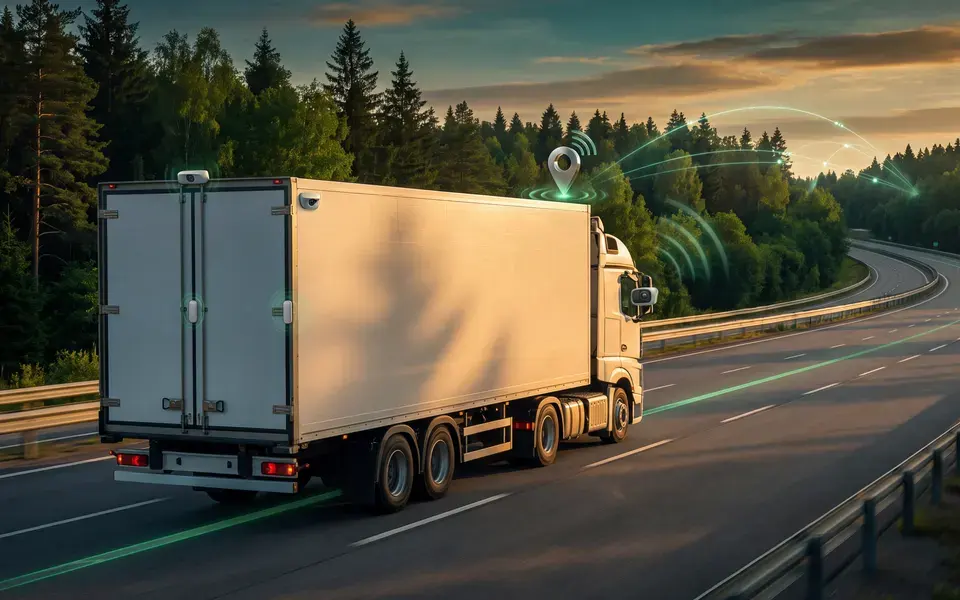
The solution

Meitrack describes its DLT project experience in Thailand as a 4G telematics offering combining vehicle tracking, flexible accessories, customized hardware and local technical support.

Configuration

The DLT page describes a 4G telematics project. It does not identify one exact terminal configuration.

  • 4G vehicle-tracking terminal (exact project model not specified)
  • Magnetic card reader or customized accessories, where required
  • Related Meitrack models listed: MD500S, T399L/T399E, T333L and T633L

Vehicle tracking and local technical support are described. Confirm the exact DLT configuration and applicable approval requirements.

How it works

  1. DEFINE THE REQUIREMENT

    Confirm fleet needs, DLT requirements and required accessories.

  2. SELECT THE SETUP

    Choose the 4G terminal and project-specific accessories.

  3. TRACK THE FLEET

    Use vehicle tracking and Meitrack technical support.

Equipment requirements

CORE DEVICES
No single DLT model is specified. Related models: MD500S, T399L/T399E, T333L and T633L.
VEHICLE / NETWORK
Vehicle installation and 4G connectivity. Confirm power, mounting and antenna details.
AS NEEDED
Magnetic card reader or customized accessories, as required.

Integration

The DLT page does not name a platform, external protocol or exact terminal. Confirm the required model, platform and interfaces with Meitrack.

Learn more at Meitrack (opens the manufacturer's page in a new tab)

Fleet & Transportation

Logistics Vehicle Security

Secure cargo. Monitor drivers. Track every journey.

The solution

The official Meitrack configuration specifies MD500S AI MDVR + door sensor + 2 HD cameras + iButton + ADAS camera + DMS camera + GNSS module. Door opening triggers the two cargo-area cameras to record and upload video; MS03 supports alert-video review, route-offset alerts and fleet reports.

Configuration

Meitrack specifies the following configuration:

  • MD500S AI MDVR
  • 2 HD cargo-area cameras
  • Door sensor
  • iButton
  • ADAS camera
  • DMS camera
  • GNSS module

When the cargo door opens, the two cargo-area cameras record and upload video. MS03 supports event-video review, route-offset alerts and fleet reports.

How it works

  1. DETECT CARGO ACTIVITY

    GNSS tracks the vehicle. The door sensor detects cargo-door opening.

  2. RECORD & IDENTIFY

    Door activity triggers cargo-camera recording/upload. iButton supports driver attendance; ADAS/DMS cameras monitor driving.

  3. REVIEW IN MS03

    View vehicle location, event video, route alerts and fleet reports.

Equipment requirements

CORE DEVICES
  • MD500S AI MDVR
  • 2 HD cargo cameras
  • Door sensor
  • IButton
  • ADAS camera
  • DMS camera
  • GNSS module.
VEHICLE INFRASTRUCTURE
Vehicle power, recorder/camera mounting and sensor wiring.
AS NEEDED
Extra cameras or accessories, if required by the vehicle layout.

Integration

MS03 supports fleet tracking, event-video review, route alerts and trip/fuel/event reports. Third-party protocols and APIs are not specified.

Learn more at Meitrack (opens the manufacturer's page in a new tab)

Connected Vehicles

Car Sharing and Rental

Locate vehicles, monitor status and support remote control

The solution

Meitrack describes real-time vehicle location/status, driving-behavior and area monitoring, and remote power cut-off as anti-theft functions. Its related products are T633L, a relay and MS03; the T633L listing identifies a CAN Bus interface and configurable I/O.

Configuration

Meitrack identifies the following solution components:

  • T633L vehicle tracker
  • Relay for remote power cut-off
  • MS03 platform

The solution supports real-time location/status, driving-behavior and area monitoring. Remote power cut-off is described as an anti-theft function.

How it works

  1. LOCATE THE VEHICLE

    Track location and view available vehicle data.

  2. CONTROL THE VEHICLE

    The relay supports remote power cut-off for anti-theft use. Confirm vehicle safeguards.

  3. MANAGE THE FLEET

    Use MS03 to monitor vehicle status and support sharing operations.

Equipment requirements

CORE DEVICES
  • T633L tracker
  • Relay
  • MS03 platform.
VEHICLE INFRASTRUCTURE
Vehicle power and wiring for tracker and relay.
AS NEEDED
CAN Bus connection or additional sensors, where supported and required.

Integration

MS03 is the stated platform. T633L and a relay support the described solution. External booking APIs and relay wiring are not specified.

Learn more at Meitrack (opens the manufacturer's page in a new tab)

Passenger Transportation

Staff Shuttle Bus Security

Safer employee transportation with connected fleet visibility

The solution

Meitrack specifies MD533S MDVR + 2 cameras + iButton + QR-code scanner + G-Sensor + speaker. The MD533S detects listed driving events and issues voice prompts; MS03 supports 2-channel 1080P live video, playback, geofences, route planning and user-defined attendance/driver-behavior reports.

Configuration

Meitrack specifies the following configuration:

  • MD533S MDVR
  • 2 cameras
  • iButton
  • QR-code scanner
  • G-Sensor
  • Speaker

The system records onboard activity and attendance. The MD533S detects listed driving events and provides voice prompts; MS03 supports live video, playback, geofences, route planning and reports.

How it works

  1. CAPTURE ACTIVITY

    Two cameras record onboard activity; GPS tracks the shuttle.

  2. RECORD ATTENDANCE

    iButton identifies the driver. QR scanning records employees and helps restrict unauthorized passengers.

  3. SUPPORT SAFE DRIVING

    The G-Sensor detects listed driving events; the speaker gives voice alerts. MS03 centralizes fleet data.

Equipment requirements

CORE DEVICES
  • MD533S MDVR
  • 2 cameras
  • IButton
  • QR-code scanner
  • G-Sensor
  • Speaker.
VEHICLE INFRASTRUCTURE
Vehicle power, recorder/camera mounting and peripheral wiring.
AS NEEDED
Additional accessories to suit the bus layout and attendance process.

Integration

MS03 supports live video, playback, geofences, route planning and attendance/driver reports. HR/payroll interfaces are not specified.

Learn more at Meitrack (opens the manufacturer's page in a new tab)

Secure Transportation

Armored Vehicle Mobile Video

Protect valuable assets and monitor every journey

The solution

Meitrack specifies MD511H MDVR + 4 cameras + LCD monitor + RFID + SOS button. The official page also describes live video/audio access, GPS location/speed/direction, route-boundary alerts, emergency-triggered recording/transmission and remote engine cut-off through the monitoring setup.

Configuration

Meitrack specifies the following configuration:

  • MD511H MDVR
  • Up to 4 cameras
  • LCD monitor
  • RFID reader
  • SOS button

The official solution describes live video/audio, GPS data, route-boundary alerts, emergency-triggered recording/transmission and remote engine cut-off through the monitoring setup.

How it works

  1. MONITOR THE VEHICLE

    Up to four cameras provide video. GPS reports location, speed, direction and route.

  2. IDENTIFY & ALERT

    RFID supports driver attendance. The SOS button raises an emergency alert.

  3. REVIEW EVENTS

    MS03 brings together GPS, video, alarms, route alerts and fleet reports.

Equipment requirements

CORE DEVICES
  • MD511H MDVR
  • Up to 4 cameras
  • LCD monitor
  • RFID reader
  • SOS button.
VEHICLE INFRASTRUCTURE
Vehicle power, mounting and wiring for recorder, cameras and peripherals.
AS NEEDED
Camera and peripheral options based on vehicle layout.

Integration

MS03 brings together GPS, video, driver monitoring, alarms and route reports. Confirm any external monitoring-centre interface and control requirements.

Learn more at Meitrack (opens the manufacturer's page in a new tab)

Remote & Agricultural Fleets

LoRa-Based Fleet Tracking

Track vehicles across remote areas with limited GSM coverage

The solution

Meitrack specifies T399L GNSS tracker + ultrasonic fuel-level sensor + SOS button + iButton. The device uses LoRa/GPRS dual communication; the fuel sensor is stated by Meitrack to have 1 mm accuracy. MS03 supports farm-map positioning, route-offset alerts and fleet/fuel/event reports.

Configuration

Meitrack specifies the following configuration:

  • T399L GNSS tracker
  • Ultrasonic fuel-level sensor
  • SOS button
  • iButton

The tracker uses LoRa/GPRS dual communication. Meitrack states 1 mm fuel-sensor accuracy; MS03 supports location, route, fuel, trip and event reports.

How it works

  1. MONITOR FUEL & VEHICLE

    The ultrasonic sensor tracks fuel level. The solution supports refuelling, theft and abnormal-use alerts.

  2. TRANSMIT DATA

    The tracker uses LoRa and GPRS dual communication. Exact network design is not stated.

  3. REVIEW IN MS03

    View location, route, fuel, trip and event reports.

Equipment requirements

CORE DEVICES
  • T399L GNSS tracker
  • Ultrasonic fuel sensor
  • SOS button
  • IButton.
VEHICLE / NETWORK
Vehicle installation and suitable LoRa coverage. Network design is not specified.
AS NEEDED
GPRS service or additional LoRa infrastructure, depending on coverage.

Integration

MS03 supports location, route, fuel, trip and event reports. Meitrack describes LoRa/GPRS communication, but does not specify gateway design or third-party interfaces.

Learn more at Meitrack (opens the manufacturer's page in a new tab)

Video Conferencing

Hybrid Meeting & Video Conferencing

Bring in-room and remote participants into one meeting.

The solution

A hybrid conferencing system connects room cameras, microphones, loudspeakers and a conferencing platform so local and remote participants can see, hear and share content. The design depends on room size, seating layout and the selected meeting platform.

Key capabilities

AUDIO CAPTURE & PROCESSING

  • Tabletop or ceiling microphones
  • Echo cancellation and audio processing

VIDEO & PARTICIPANT VIEW

  • Room camera with supported framing features
  • Display of remote participants

CONFERENCING & SHARING

  • Teams Rooms, Zoom Rooms or BYOD workflow
  • Wired or wireless content sharing

ROOM OPERATION

  • One-touch meeting join
  • Control of supported room AV devices

How it works

  1. JOIN THE MEETING

    Participants join through the room system or connect a personal device using the selected BYOD setup.

  2. CAPTURE & CONNECT

    Cameras, microphones and speakers provide two-way audio and video through the conferencing platform.

  3. COLLABORATE

    Participants communicate and share content with the room and remote attendees.

Equipment requirements

CORE DEVICES
  • Room camera or video bar
  • Microphones
  • Loudspeakers
  • Conferencing compute or certified all-in-one endpoint
  • Display(s)
  • Audio DSP where required
SITE INFRASTRUCTURE
Power, network connection, structured cabling, equipment mounting and suitable room acoustics
AS NEEDED
  • Touch controller
  • Additional cameras or microphones
  • Wireless presentation
  • Room scheduling panel
  • Additional displays

Integration

YES — integrate with supported conferencing platforms and compatible room AV.

Teams Rooms, Zoom Rooms and BYOD are different deployment options. Confirm platform certification, peripheral compatibility, licensing and network requirements for the selected equipment. Lighting or HVAC control requires compatible interfaces and configuration.

Where it can be used

  • Meeting Rooms
  • Boardrooms
  • Training Rooms
  • Executive Offices
  • Collaboration Spaces

Reliable two-way communication for participants in the room and joining remotely.

Boardroom Solutions

Boardroom Presentation & Room Control

Present, share and control the room from one interface.

The solution

An integrated presentation system routes content from laptops and installed sources to one or more displays, while centralized room control simplifies operation of the boardroom. Video conferencing can be added, but the primary focus is presentation and room operation.

Key capabilities

CONTENT PRESENTATION

  • Wired and wireless content sharing
  • Support for required source formats and resolutions

SIGNAL SWITCHING & DISTRIBUTION

  • Selection of laptop and room sources
  • Routing to one or more displays

DISPLAY MANAGEMENT

  • Multi-display or video-wall presentation where designed
  • Source selection and layout control

ROOM CONTROL

  • Touch-panel operation
  • Control of compatible displays and room functions

How it works

  1. CONNECT A SOURCE

    The presenter connects a laptop or selects an installed room source.

  2. ROUTE THE CONTENT

    The switcher or presentation processor sends the selected content to the required display(s).

  3. CONTROL THE ROOM

    The touch interface operates supported displays, sources and integrated room functions.

Equipment requirements

CORE DEVICES
  • Display(s) or LED wall
  • AV switcher or presentation processor
  • Wireless presentation endpoint where required
  • Control processor and touch interface where centralized control is specified
SITE INFRASTRUCTURE
Power, AV cabling, network connection for networked devices, display mounting, equipment rack and ventilation
AS NEEDED
  • Video-wall processor
  • Room PC
  • USB-C/HDMI connection points
  • Projector and screen
  • Audio system
  • Lighting/shading interfaces
  • Conferencing peripherals

Integration

YES — integrate with compatible existing AV and room-control equipment.

Existing displays, projectors and audio equipment can be retained when signal formats, resolution, HDCP, interfaces and control protocols are compatible. Centralized control requires device compatibility, programming and commissioning.

Where it can be used

  • Executive Boardrooms
  • Management Meeting Rooms
  • Council Chambers
  • Corporate Presentation Rooms
  • Command Rooms

A consistent presentation experience with coordinated control of boardroom technology.

Ballroom & Event Sound Reinforcement
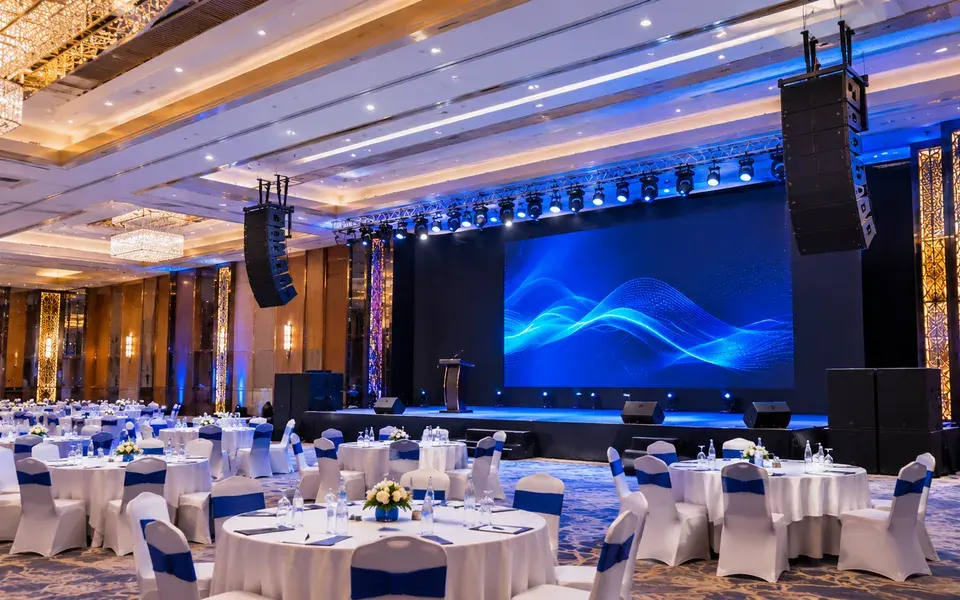
Ballroom & Event Sound Reinforcement

Powerful sound. Consistent coverage. Event-ready performance.

The solution

A professional sound reinforcement system delivers speech and music across ballrooms and event spaces. Loudspeaker configuration, amplification and processing are selected according to venue size, audience layout, event type and acoustic conditions. Line arrays are used where the venue design requires them.

Key capabilities

SOUND COVERAGE

  • Main loudspeaker system for the audience area
  • Fills or delay speakers where required

LOW-FREQUENCY SUPPORT

  • Subwoofers for programme requirements
  • Stage monitoring where required

MIXING & PROCESSING

  • Audio mixing and system DSP
  • Equalization, crossover and delay alignment

EVENT CONNECTIVITY

  • Microphone and playback inputs
  • Analogue or supported digital audio networking

How it works

  1. CAPTURE THE SOURCES

    Microphones, playback devices and stage inputs feed the audio mixing system.

  2. MIX & PROCESS

    The operator balances sources and the system processor manages loudspeaker outputs.

  3. REINFORCE THE SPACE

    Main speakers and any required fills, delays or subwoofers deliver sound to the audience.

Equipment requirements

CORE DEVICES
  • Main loudspeakers selected for the venue
  • Amplifiers or active speakers
  • System DSP
  • Mixing console
  • Microphones and stage input connectivity
SITE INFRASTRUCTURE
Safe rigging or mounting, power distribution, signal cabling, equipment position and stage/FOH provisions
AS NEEDED
  • Subwoofers
  • Front fills or delay speakers
  • Stage monitors
  • Wireless microphones
  • Digital audio network
  • Measurement and tuning equipment

Integration

YES — integrate with compatible event AV and stage systems.

Audio can be connected to video, stage and installed AV systems through compatible interfaces and supported network protocols. Confirm I/O capacity, connectors, latency, synchronization and gain structure during system design.

Where it can be used

  • Hotel Ballrooms
  • Conference Halls
  • Exhibition Venues
  • Banquet Halls
  • Corporate Events
  • Multipurpose Event Spaces

Scalable event sound designed around the venue, audience and programme.

Theatre & Auditorium Sound

Theatre & Auditorium Sound

Clear speech. Controlled coverage. Consistent listening.

The solution

A theatre and auditorium sound system reproduces speech, music and programme audio across audience seating areas. Loudspeaker placement, directivity, room acoustics and system tuning are planned to suit the venue, including balconies and multiple seating levels where present.

Key capabilities

AUDIENCE COVERAGE

  • Loudspeaker placement for seating areas
  • Coverage of balconies and under-balcony areas where required

SPEECH INTELLIGIBILITY

  • Clear dialogue reproduction
  • Control of reflections and feedback risks

PROGRAMME REPRODUCTION

  • Full-range sound for speech and music
  • Low-frequency support where required

SYSTEM TUNING

  • DSP and equalization
  • Delay alignment and operating presets

How it works

  1. ASSESS THE VENUE

    Review seating, room dimensions, acoustic conditions and programme requirements.

  2. DESIGN THE COVERAGE

    Select and position loudspeakers to cover the audience areas.

  3. TUNE THE SYSTEM

    Measure and adjust levels, equalization and delays for the intended listening areas.

Equipment requirements

CORE DEVICES
  • Main loudspeaker system
  • Amplification or active loudspeakers
  • DSP/system processing
  • Mixing facilities
  • Microphones and programme inputs
SITE INFRASTRUCTURE
Structural support or rigging, power, signal cabling, equipment racks, stage/FOH provisions and venue acoustic information
AS NEEDED
  • Subwoofers
  • Front fills
  • Under-balcony fills
  • Stage monitors
  • Wireless microphones
  • Assistive listening
  • Recording/streaming feeds

Integration

YES — integrate with compatible stage, presentation and production systems.

Audio can interface with stage systems, lighting/control, presentation AV and recording/streaming equipment where compatible. Beam steering is available only on specific loudspeaker products; it must be selected for the venue and does not replace acoustic assessment or commissioning.

Where it can be used

  • Theatres
  • Auditoriums
  • Performing Arts Centres
  • Lecture Halls
  • Opera Houses
  • University Halls

Venue-specific sound coverage that supports clear speech and consistent programme reproduction.

Facility Audio & Announcements

Public Address & Background Music

Clear announcements. Zoned audio. Connected facilities.

The solution

A public address system distributes live announcements, paging and background music to selected areas of a facility. It can use conventional speaker circuits or an IP-based architecture, depending on site requirements and the selected system.

Key capabilities

PAGING & ANNOUNCEMENTS

  • Live announcements to selected zones or all-call groups
  • Paging microphone operation

ZONE MANAGEMENT

  • Independent zone selection where supported
  • Source routing and volume control

BACKGROUND MUSIC

  • Music distribution to designated areas
  • Scheduled playback where supported

PRIORITY & SUPERVISION

  • Priority handling where supported
  • System and line monitoring where included

How it works

  1. GENERATE THE AUDIO

    Paging microphones and audio sources provide announcements or music.

  2. SELECT THE ZONES

    The PA controller routes audio to the selected zones and amplifiers or network endpoints.

  3. BROADCAST THE MESSAGE

    Speakers deliver the announcement or music across the selected areas.

Equipment requirements

CORE DEVICES
  • PA controller or matrix
  • Paging microphone(s)
  • Power amplifiers or compatible network audio endpoints
  • Loudspeakers selected for each area
SITE INFRASTRUCTURE
Speaker cabling or engineered IP network, power, equipment rack, speaker mounting and zone/circuit identification
AS NEEDED
  • Remote paging stations
  • Audio players
  • Zone expanders
  • Ambient-noise sensors
  • Scheduled playback
  • UPS/backup power
  • Monitoring software

Integration

YES — integrate with compatible building and communication systems.

External triggers and building-system interfaces depend on the selected equipment. Fire alarm integration or voice evacuation is a separate life-safety design scope requiring applicable certified equipment, compliant system architecture, supervision and approvals. A standard PA system must not be presented as a certified voice-alarm system.

Where it can be used

  • Commercial Buildings
  • Shopping Malls
  • Hotels
  • Hospitals
  • Schools & Campuses
  • Factories
  • Transport Facilities

Centralized, zone-based audio distribution for everyday announcements and background music.